32 Philips · HDP16x0 & HDP16x0TV
Managing Files
Delete Files
You can delete files from the internal memory, the con-
nected USB storage medium or the memory card.
1 Switch the device on using the on/off key.
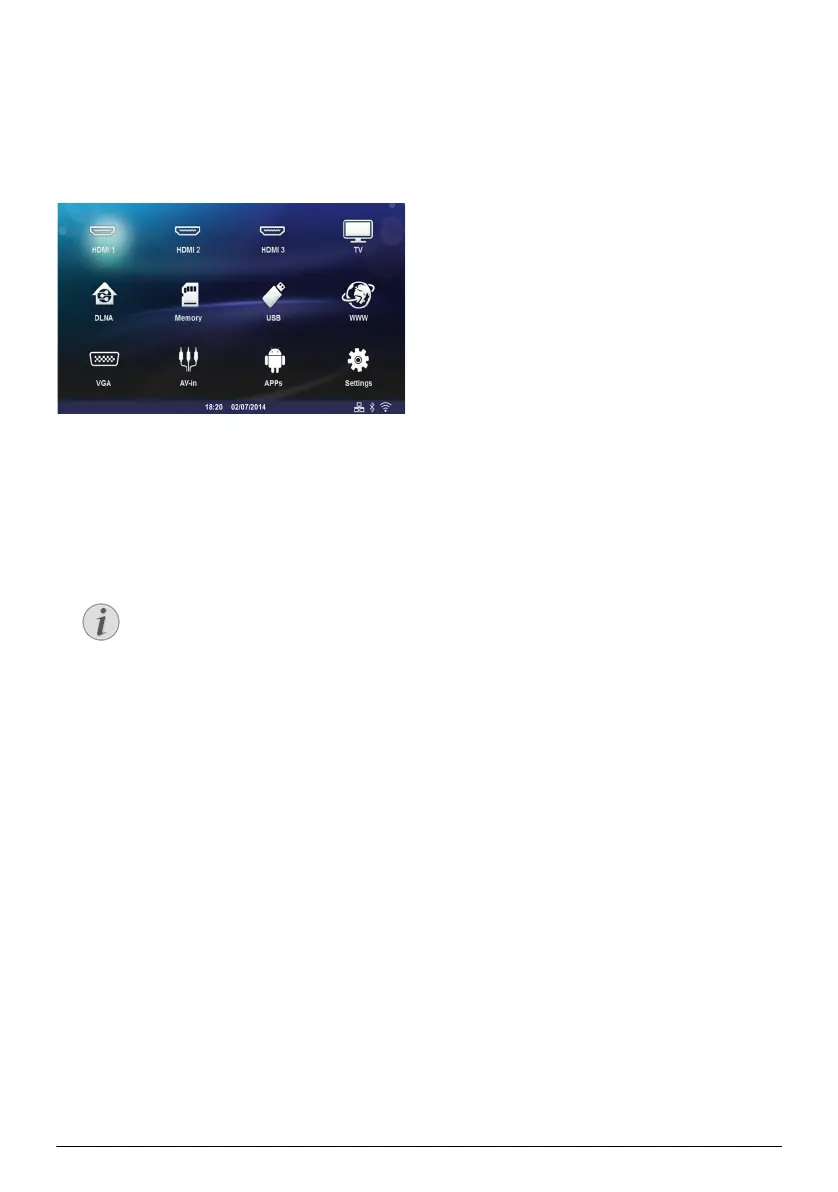
2 The main menu appears.
3 Use the navigation keys to select the desired media
(USB, Memory or DLNA).
4 Confirm with .
5 Use / to select the file that you want to
delete.
6 Press the Blue key on the remote control to
delete the file.
7 Confirm with .
Error
If errors occur during the deletion pro-
cess, make sure that the storage medium is
not write-protected.
Screeneo_User-Manual_HDP16x0_V1-1_EN-US_253634032-A.book Page 32 Jeudi, 18. décembre 2014 8:56 08



 To Next Page