EasyManua.ls Logo

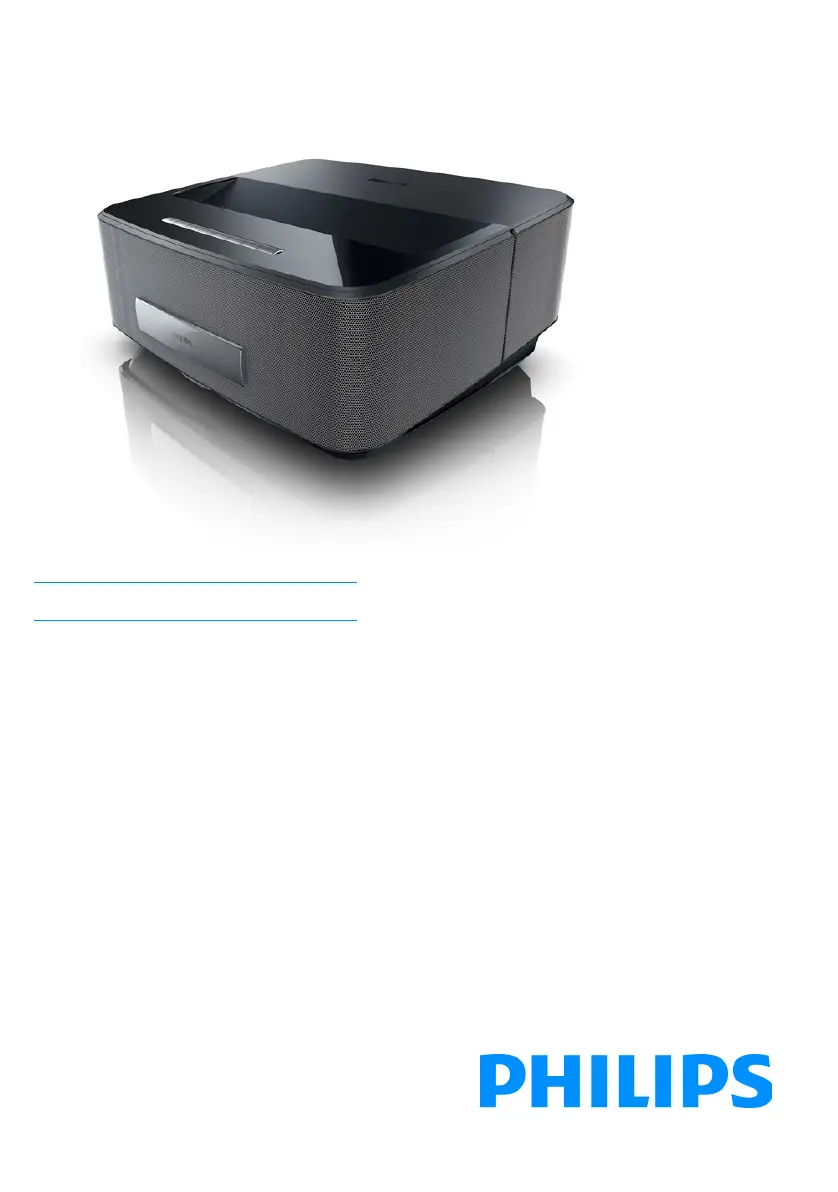
Philips Screeneo HDP1650 - User Manual

Philips Screeneo HDP1650
44 pages
Print Icon
To Next Page IconTo Next Page
Loading...
Register your product and get support at
www.philips.com/welcome
Screeneo
HDP1650
HDP1650TV
HDP1690
HDP1690TV
US User Manual
Screeneo_User-Manual_HDP16x0_V1-1_EN-US_253634032-A.book Page 1 Jeudi, 18. décembre 2014 8:56 08

Table of Contents

Questions and Answers

  • C
    Chris BishopSep 8, 2025
    How to fix video display problems with 3D DVD on Philips Screeneo HDP1650?
    • M
      Michelle ShieldsSep 8, 2025
      If you are experiencing a video display problem when the source is a 3D signal from a DVD player, ensure that the 3D mode is activated on the projector. If the DVD player is connected to the projector via HDMI, use any of the HDMI sockets.
  • A
    amyhernandezSep 10, 2025
    Why is there no sound from external device connected to Philips Projector?
    • S
      Sonia BellSep 10, 2025
      If you're experiencing no sound from the external connected device on your Philips Projector, check the cables to the external device, set the volume on the external device, and ensure you are using the original cables from the device manufacturer, as only these may function correctly.
  • K
    Katie TrujilloSep 12, 2025
    Why does my Philips Projector dim when playing videos from USB?
    • C
      clinton88Sep 12, 2025
      If your Philips Projector changes from maximum to minimum brightness when playing videos via USB, it's likely due to high environmental temperature. The device automatically reduces brightness to protect the high-power LED. Use the device in lower environment temperatures.
  • S
    Stephanie YoungSep 13, 2025
    How to fix Philips Screeneo HDP1650 Projector when it cannot read the USB stick?
    • S
      Sharon YoungSep 14, 2025
      If your Philips Projector cannot read the USB stick, it might be due to the exFAT file system not being supported. Format the USB key in FAT format, then use it.
  • S
    Shelly McdanielSep 15, 2025
    How to connect Philips Screeneo HDP1650 Projector to Android device via USB?
    • D
      Derek CochranSep 15, 2025
      To connect your Philips Projector with an Android device via USB, deactivate the function 'USB debugging' in the settings menu of your Android device before connecting the Projector via USB; your Android device should be recognized as USB storage medium.
  • A
    Anna VaughnSep 18, 2025
    What to do if Philips Projector cannot read the SD card?
    • D
      Douglas LewisSep 18, 2025
      If your Philips Projector cannot read the SD card, check that the memory card is compatible; see the list in the chapter Appendix.

Philips Screeneo HDP1650 Specifications

General IconGeneral
Projection TechnologyDLP
Light SourceLED
Aspect Ratio16:9
Brightness1600 lumens
ConnectivityWi-Fi, Bluetooth
Lamp Life30000 hours
Keystone CorrectionVertical ±40°
Input PortsHDMI, USB

Related product manuals