Initial operation 13
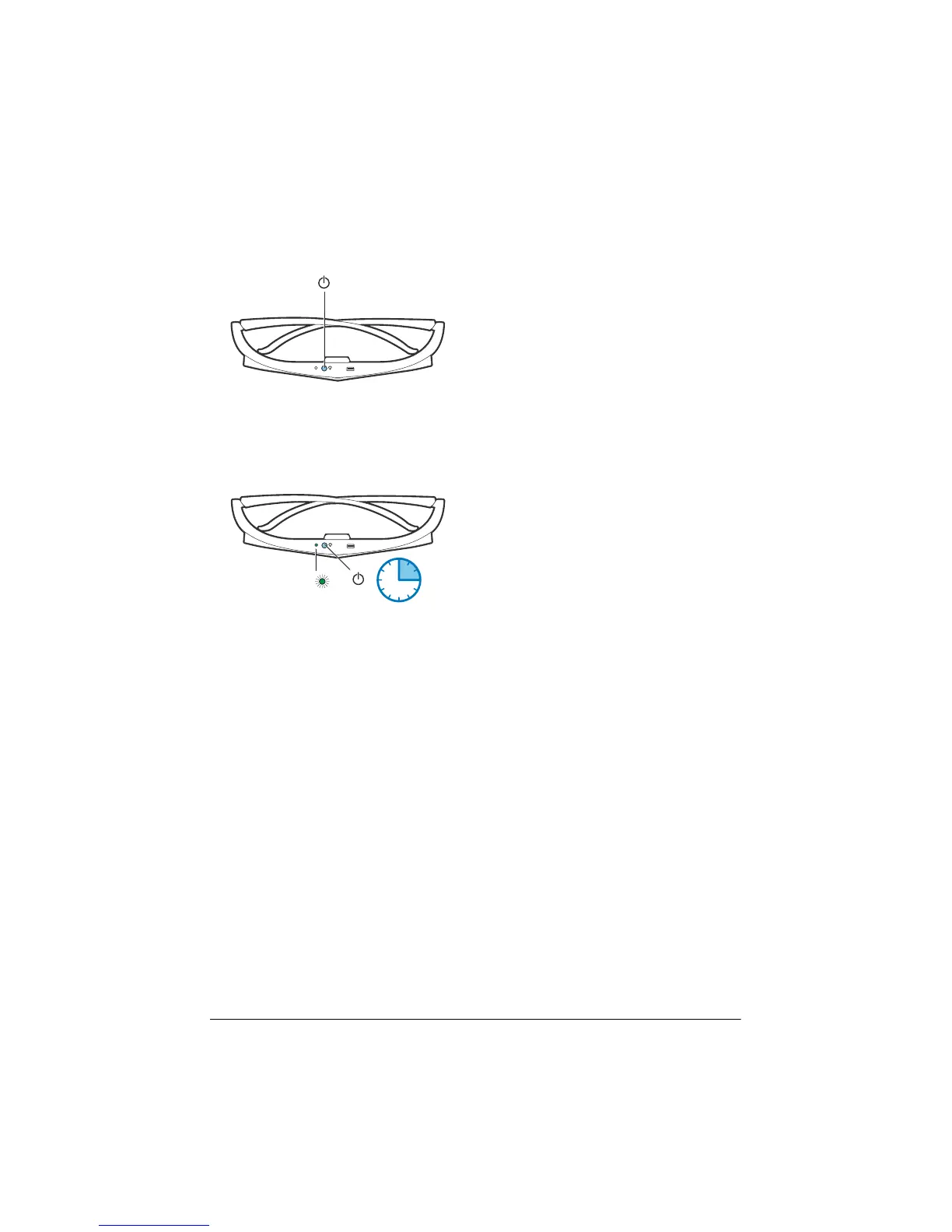
Activate 3D glasses
1 Press the ON / OFF button on the top of the
glasses.
2 On the remote control, press the 3D button.
3 Th
e 3D menu appears, select your choice and
press OK.
4 Pres
s the ON/OFF button for one second and
a half on the top of the glasses.
1.5 SEC
3x
The LED flashes green three times and
be
comes fixed. Your glasses are ready.















 To Next Page