Easy Set Up
Set up your projector with an
Android phone or tablet?
You can easily transfer account and network details from a compatible
Android device with a few simple clicks.
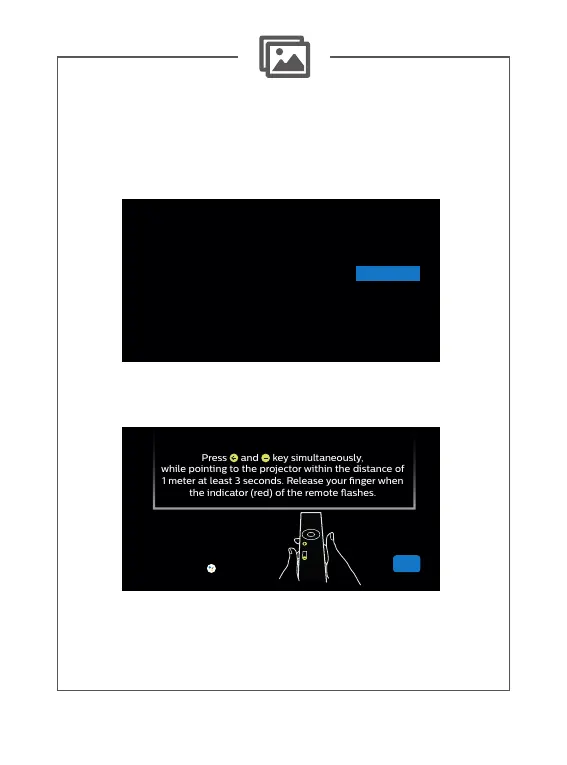
Press and key simultaneously,
while pointing to the projector within the distance of
1 meter at least 3 seconds. Release your nger when
the indicator (red) of the remote ashes.
Yes
Skip
Skip
Skip this step if your remote
doesn’t have the button















 To Next Page