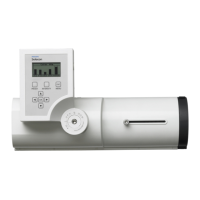
LCD Display /
Menu System
MAIN MENU
Save a Preset
Sub Menu Options Comments
Select Preset to Save - (Option)
Scrolls and sets current user-defined
color mix to various recallable presets
in the fixture using arrow buttons.
Note: To edit a current (set) preset,
see Edit Presets.
Off
Users can:
• Save the current settings (look) to
a specific recallable Preset in the
fixture’s memory.
• Edit the levels (values) for Red,
Green, Blue, White, and Intensity
values (in percent%) by using the
arrow buttons. Once the values
are adjusted, the preset is saved
as desired.
*Only intensities may be stored on
White Color Temperature presets.
RGBW in these presets cannot be
edited or changed.
Scratch Pad
Warm White* (Default)
Cool White*
Day Light*
Preset X (5 through 31)
Continued next page







 To Next Page
