9
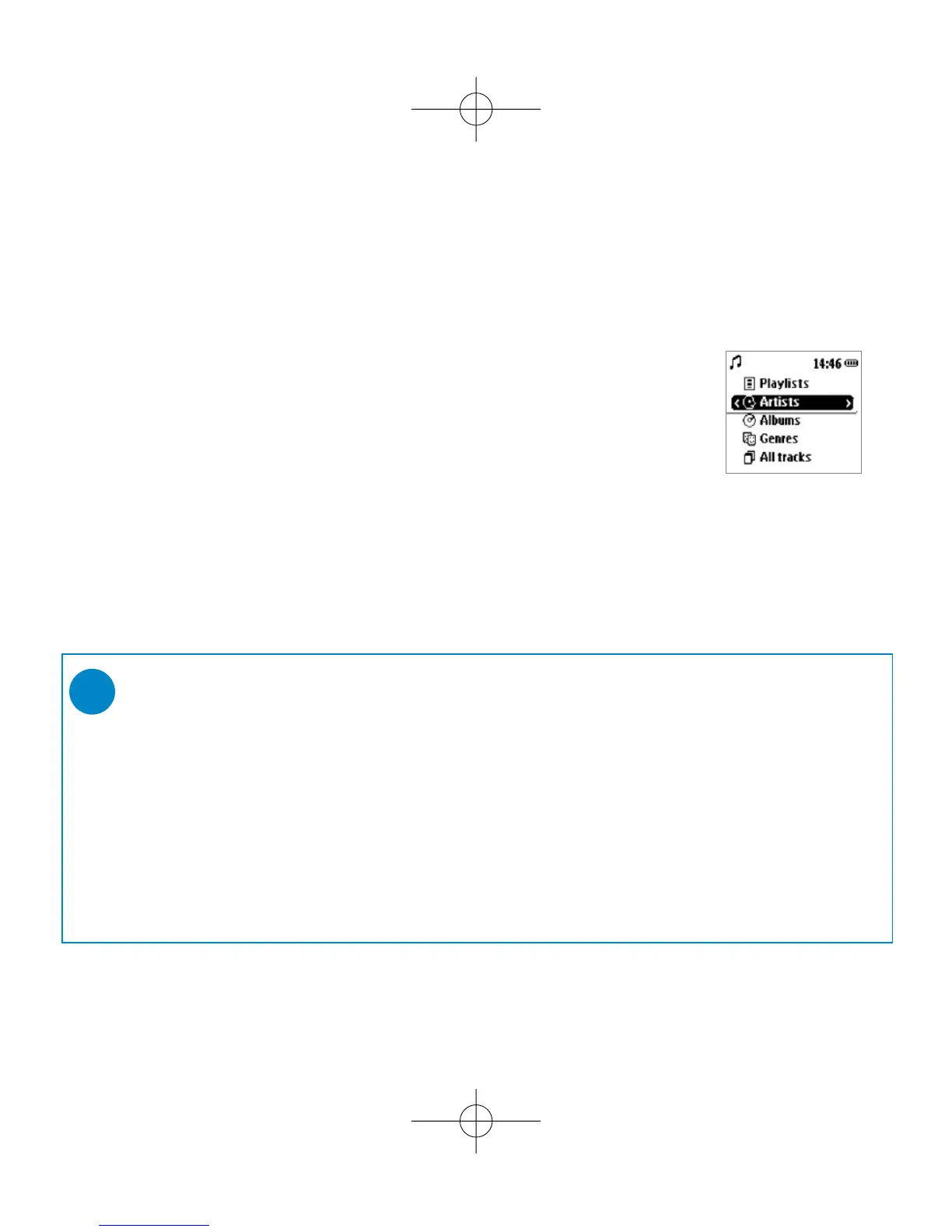
Music mode: playback
Once you have downloaded MP3/ WMA tracks from your computer
to the ShoqBox, you can access your music in 5 different ways on the
ShoqBox.
1 Press SOURCE and select MUSIC to enter the music mode.
2 Press
3
to scroll up or
4
to scroll down for your option.
Press 2 for next or 1 for previous levels of library.
3 Press 2; to play or pause your selection.
➯
TIP
0 Please install the included software(s) and read the instructions.
0 During playback of Albums, tracks are sorted according to track number
sequence. Any tracks assigned with the same number will then be further
sorted alphabetically.
0 Select More Track Info in Settings ➔ [>] key shortcut. You can then press
2 from the playscreen to display track information e.g. track title, artist name,
codec (MP3 or WMA), bitrate, duration of track, album, genre.











 To Next Page