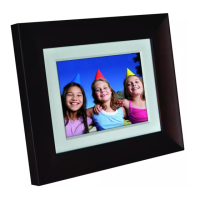
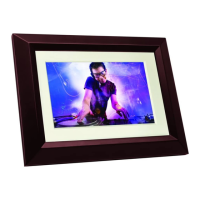
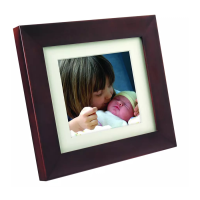
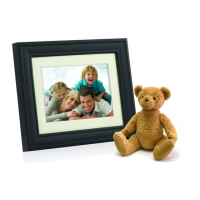
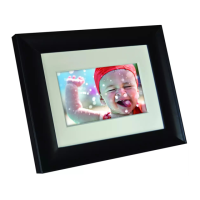
Philips Digital Photo Frame
Identifying the parts
EN - 6
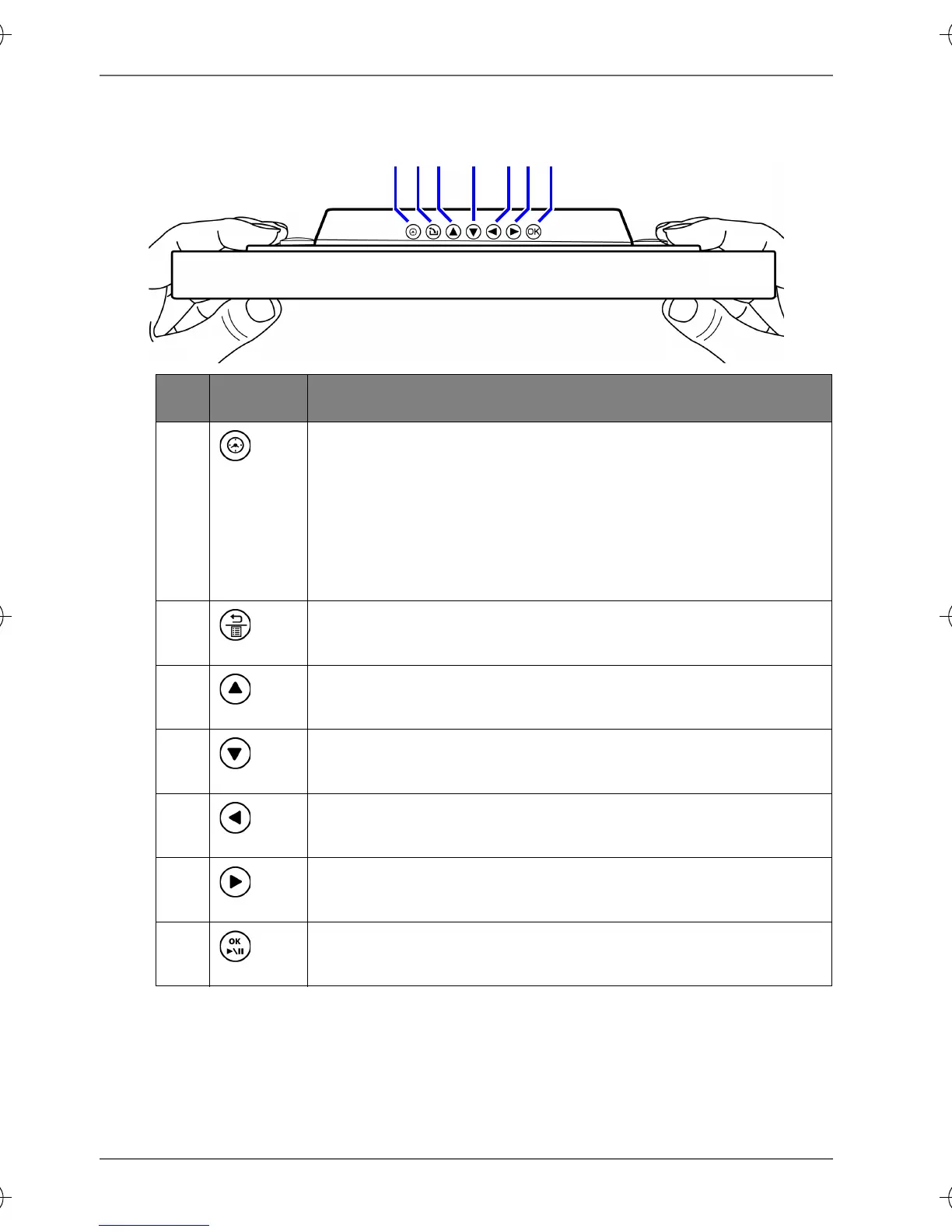
Using the control buttons
123 4 567
No. Button Description
1
Clock button
■ Press this button to switch between
Slideshow view and Clock view.
■ Press this button to switch between Collage
view and Clock view, when a Collage effect
has been selected.
2
Return button
Returns to the previous page.
3
Up button
Moves up.
4
Down button
Moves down.
5
Left/Previous button
Moves left/selects the previous item.
6
Right/Next button
Moves right/selects the next item.
7
OK button
Confirms the selection.
GN104F00_GN-A18-G7_UM_en.book Page 6 Monday, September 14, 2009 10:57 PM


 To Next Page