Philips Digital Photo Frame
Operating the PhotoFrame
EN - 18
Selecting a mode
In the main menu, press / to toggle among the following
modes: Photo, Collage, Calendar, File, Source and Setup.
Displaying the clock
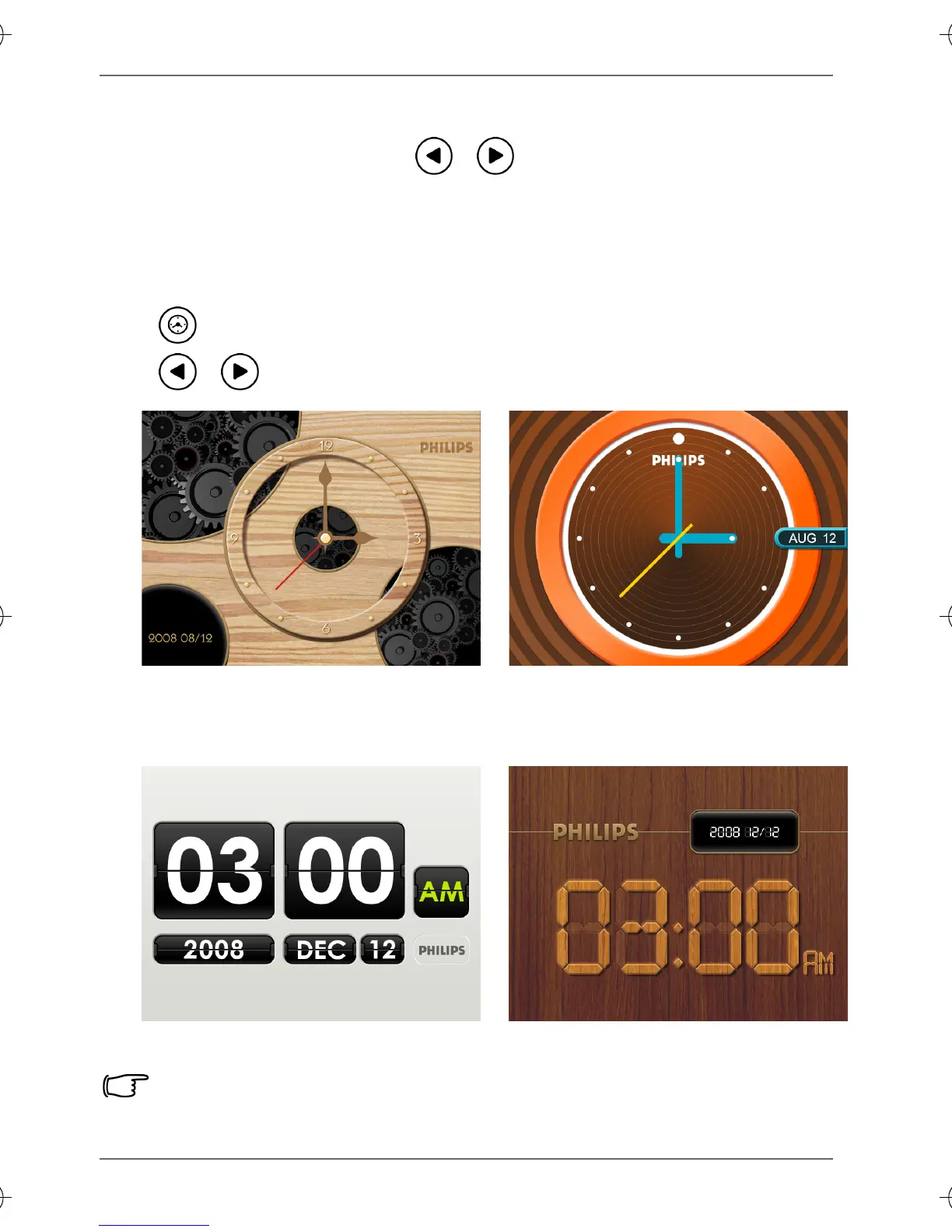
The Clock view provides four skin types of clock display. Press
twice to display the Clock view. When in Clock view, press
/ to select a desired type.
Please go to “Time Setup” under the “Setup” mode to set the Time.
Analog view - A
Digital view - A Digital view - B
Analog view - B
GN104F00_GN-A18-G7_UM_en.book Page 18 Monday, September 14, 2009 10:57 PM



 To Next Page