18 EN
7 Message
Create a message
1
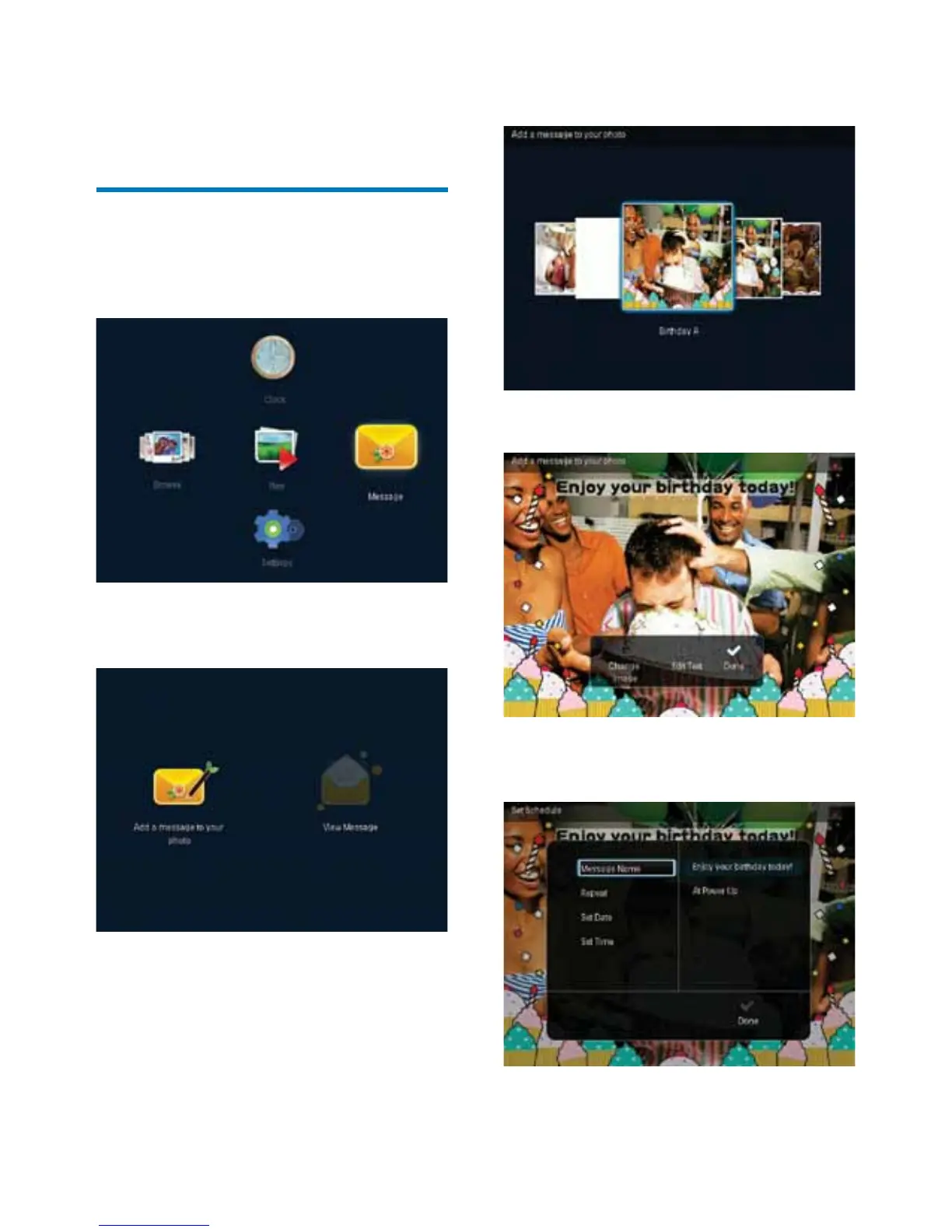
In the home screen, select [Message] and
then press OK.
2 Select [Add a message to your photo],
and then press OK.
3 Move the joystick right or left to select a
message template, and then press OK.
4 Select [Done].
» The screen prompts you to schedule
the message.



 To Next Page