27EN
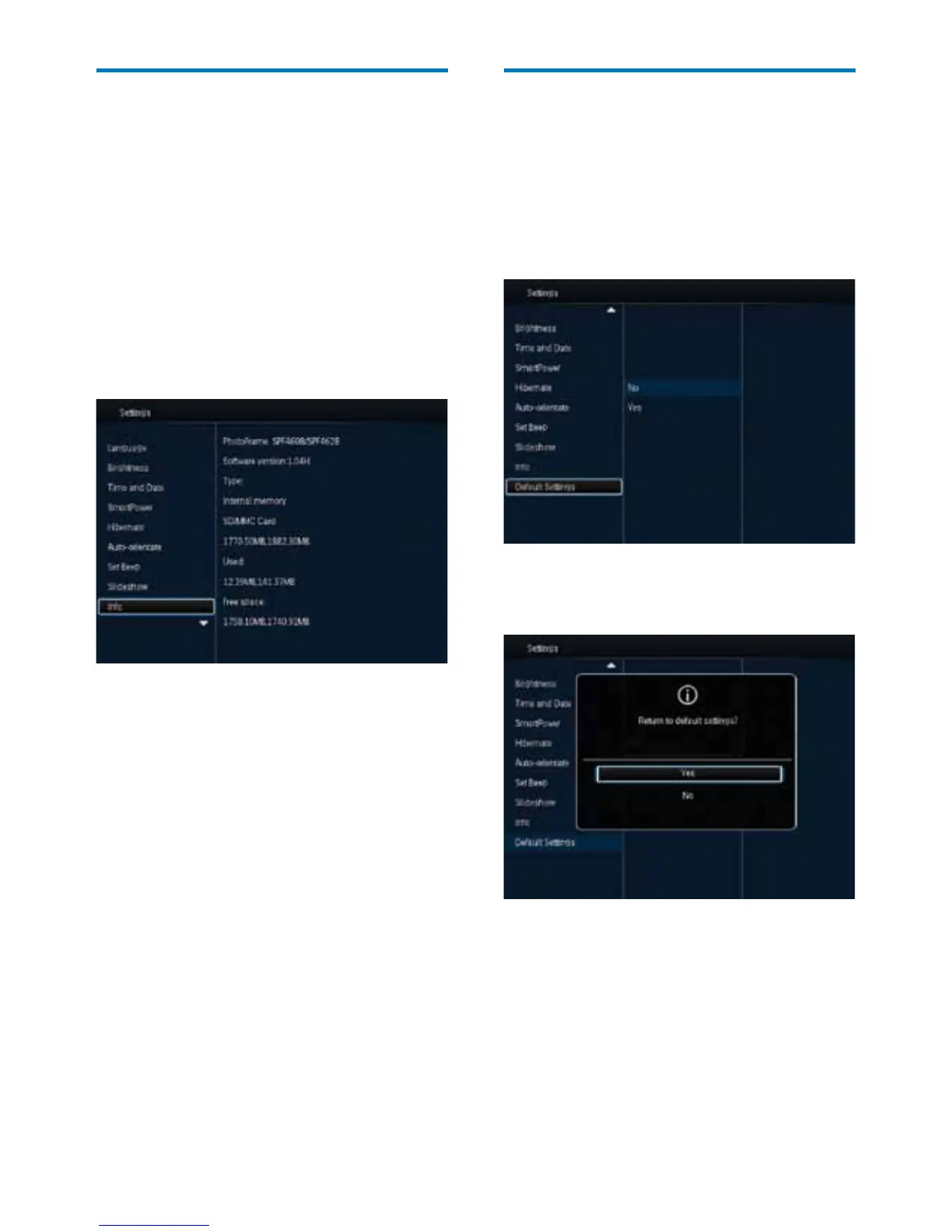
View information of the
PhotoFrame
Youcanndthemodelname,thermware
version of the PhotoFrame, and the memory
status of the PhotoFrame and other storage
device available on the PhotoFrame.
1 In the home screen, select [Settings] and
then press OK.
2 Select [Info].
» The information of the PhotoFrame is
displayed on the screen.
Reset all settings to factory
default
1
In the home screen, select [Settings] and
then press OK.
2 Select [Default Settings], and then press
OK.
3 Select [Yes], and then press OK.
» Aconrmationmessageisdisplayed.
4 Select [Yes], and then press OK.
» All settings on the PhotoFrame are set
to factory default.
• To cancel the operation, select [No] in the
prompt message and then press OK.



 To Next Page