21EN
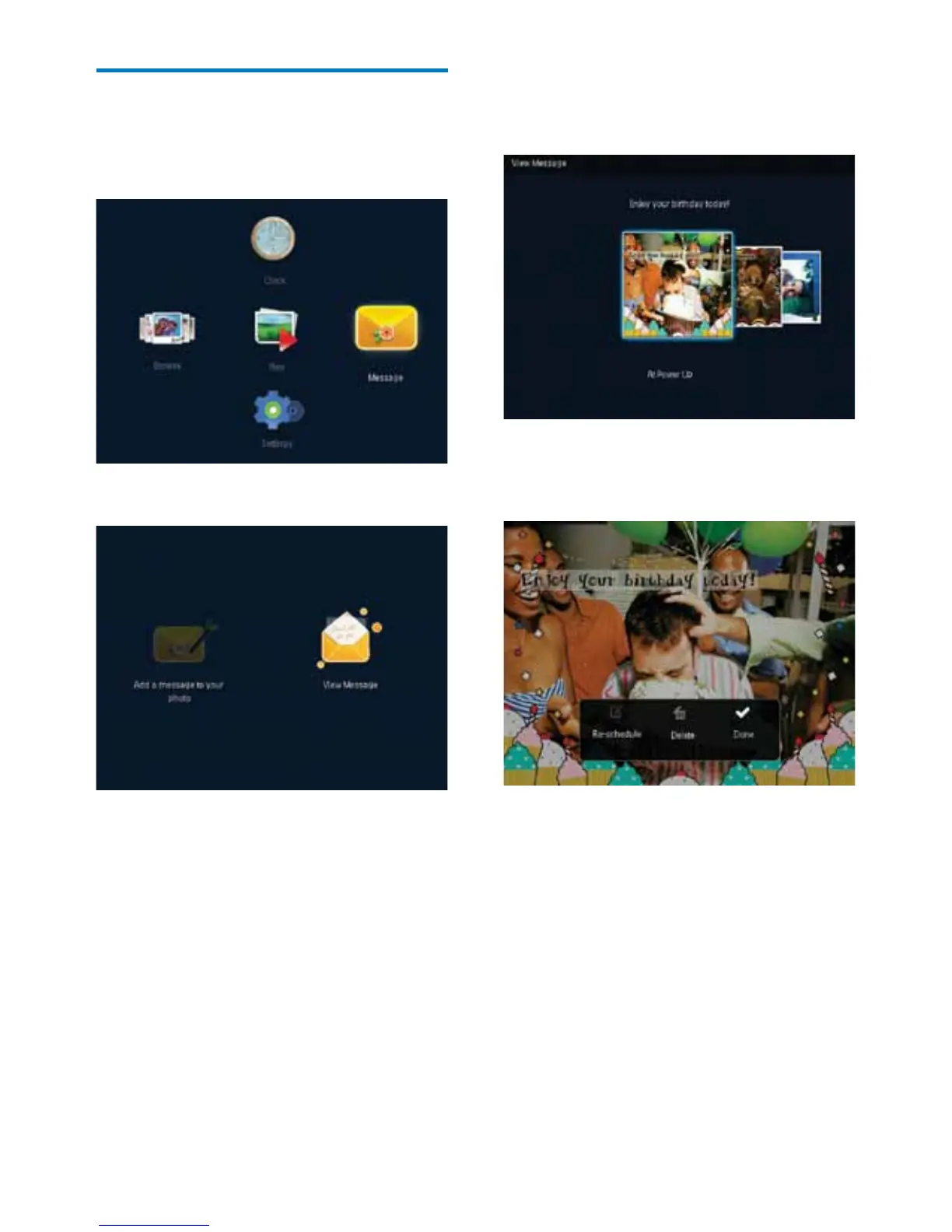
View a created message
1
In the home screen, select [Message] and
then press OK.
2 Select [View Message], and then press OK.
3 Select a message template, and then press
OK.
» A message template is displayed.
• To reschedule or delete the message,
press MENU and then select an option to
continue.
• To go back to the message browser screen,
select [Done] and then press OK.



 To Next Page