26 EN
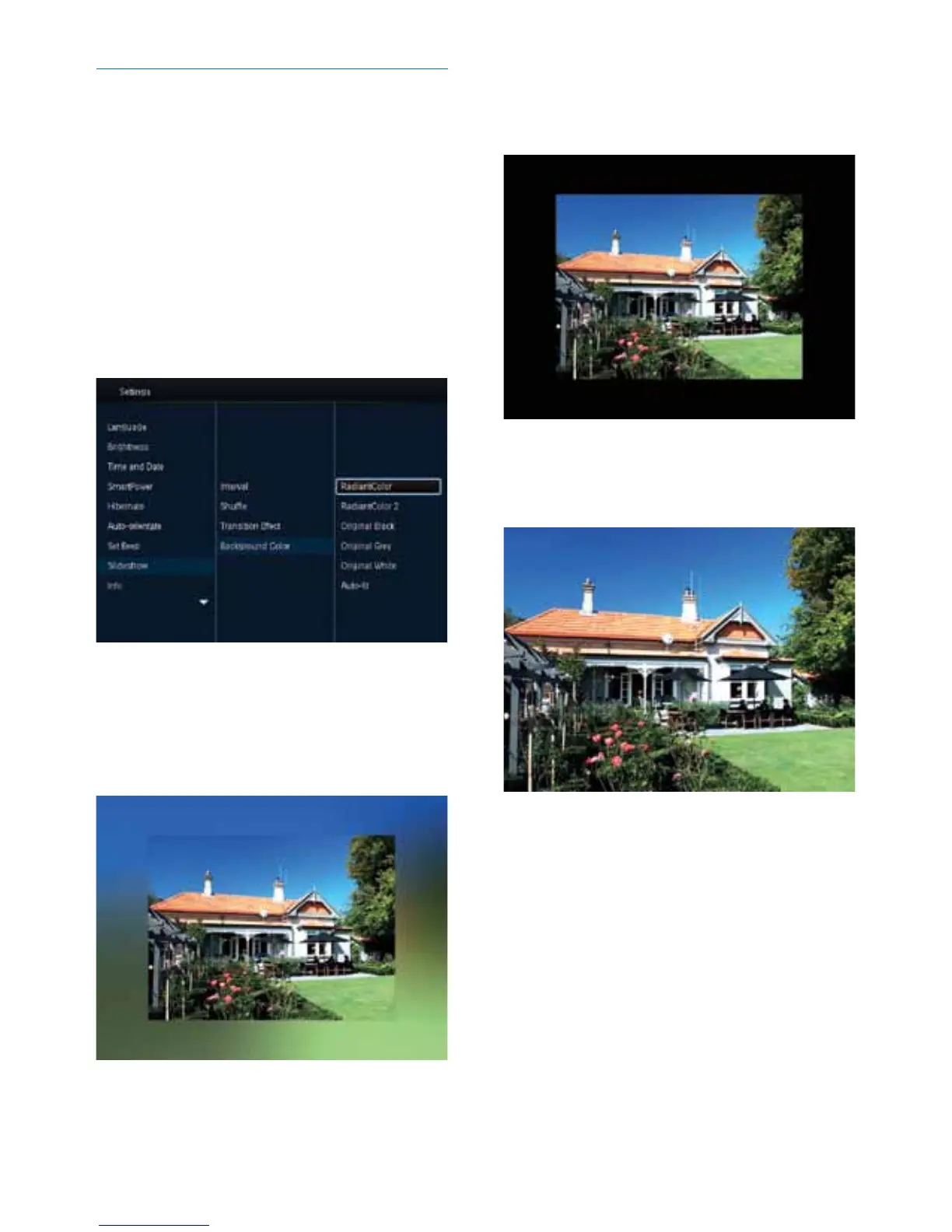
Select background color
You can select a background border color for
photos that are smaller than the PhotoFrame
display.
1 In the home screen, select [Settings] and
then press OK.
2 Select [Slideshow], and then press OK.
3 Select [Background Color], and then press
OK.
4 Select [RadiantColor] / a background
color/ [Auto-t], and then press OK.
» If you select [RadiantColor], the
PhotoFrame extends the color on the
edges of a photo that is smaller than
thefullscreentollthescreenwithout
black bars or aspect ratio distortion.
» If you select a background color, the
PhotoFrame displays a photo with a
background color.
» If you select [Auto-t], the
PhotoFrameextendsaphototollthe
screen with picture distortion.



 To Next Page