22 EN
8 Settings
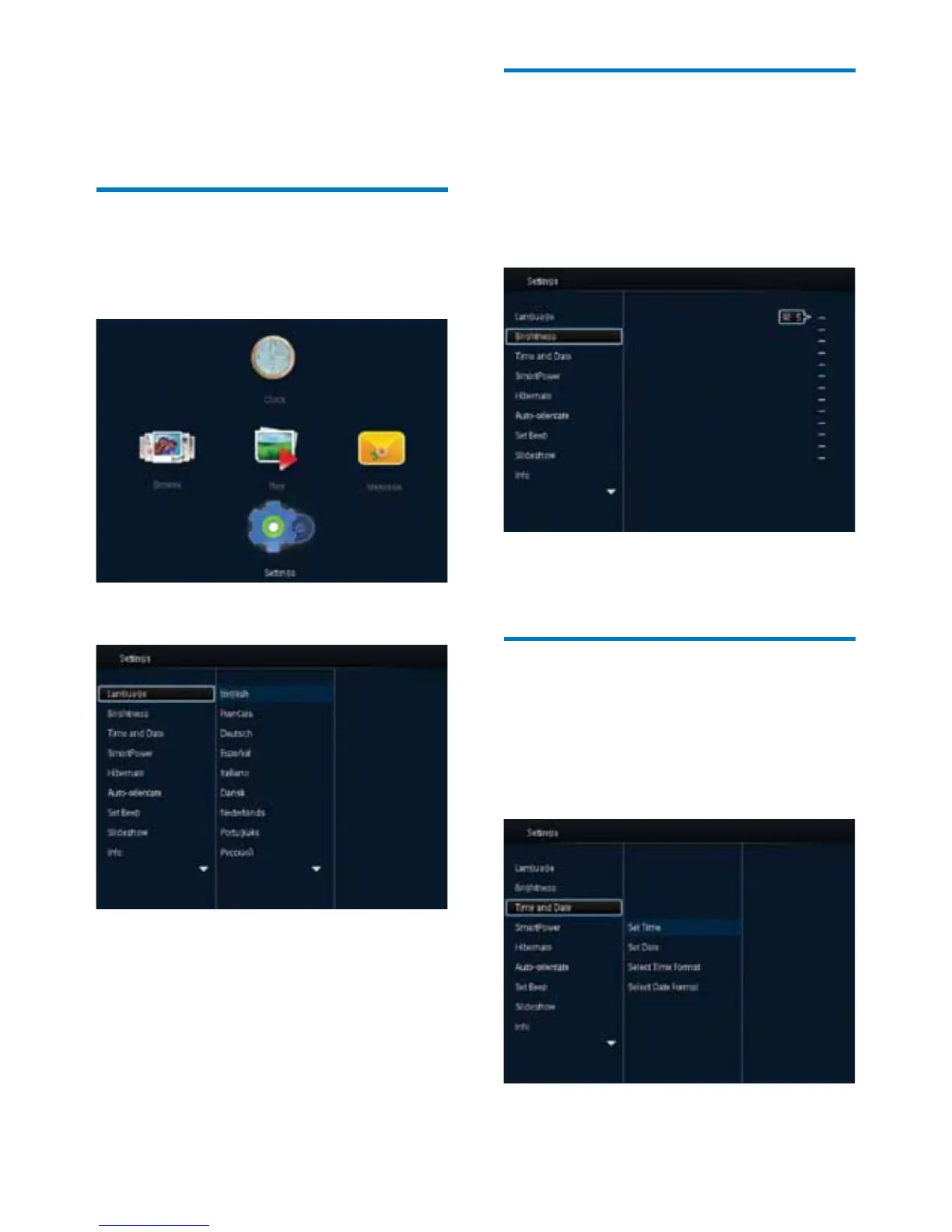
Select an on-screen language
1
In the home screen, select [Settings] and
then press OK.
2 Select [Language], and then press OK.
3 Select a language, and then press OK.
Adjust brightness
You can adjust the brightness of the
PhotoFrame to achieve the best view.
In the home screen, select [Settings] and then
press OK.
1 Select [Brightness], and then press OK.
2 Move the joystick up/down to adjust
brightness, and then press OK.
Set time/date
1
In the home screen, select [Settings] and
then press OK.
2 Select [Time and Date], and then press
OK.



 To Next Page