19EN
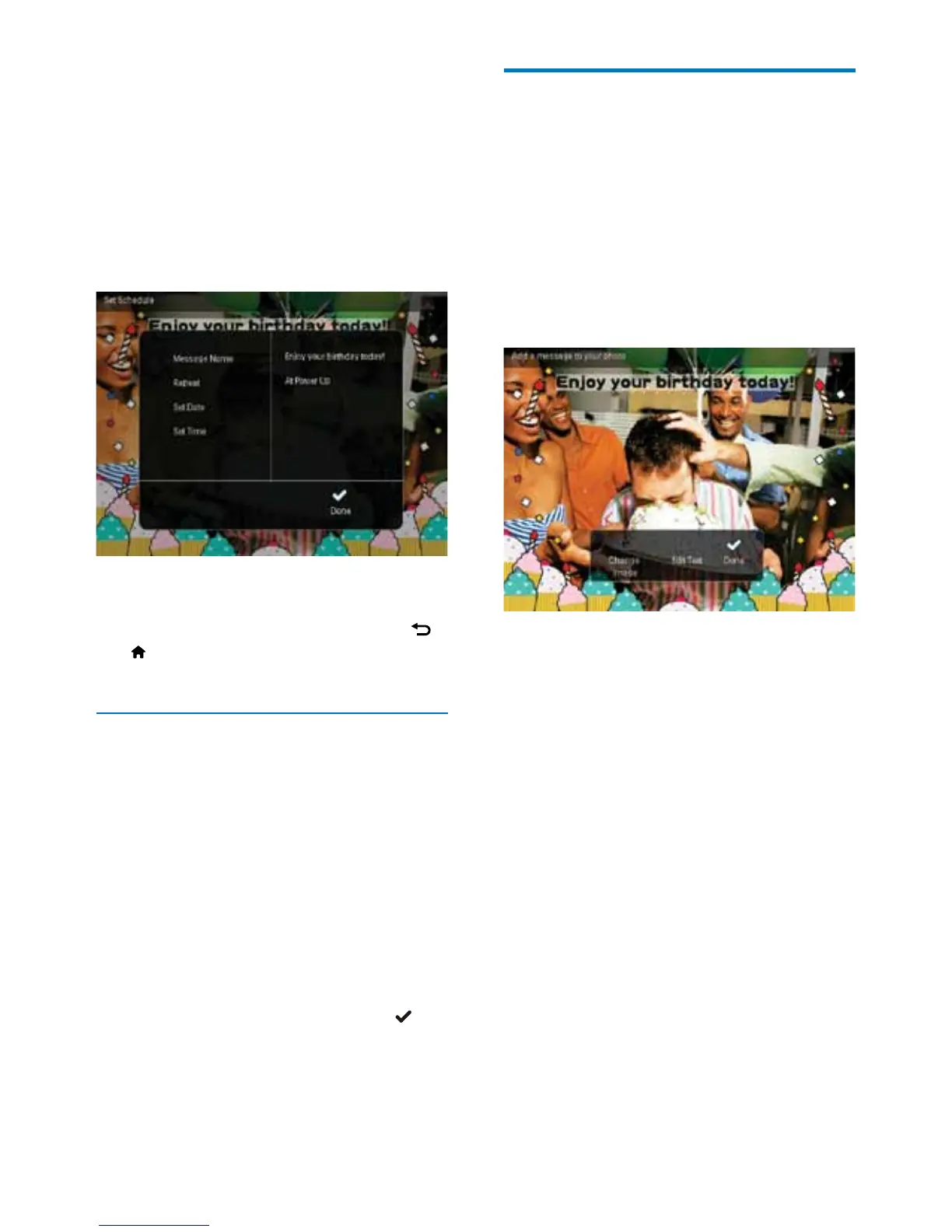
5 Schedule the message.
• [Message Name]: Enter the message
name. For details, see "Enter the name
of a message".
• [Repeat]: Select a repeat frequency
• [Set Date]: Set the date or day
• [Set Time]: Set the time
6 After you complete the message, select
[Done] and then press OK.
• To view the available messages, select
[View Message].
• To go back to the home screen, hold
/
BACK / HOME.
Enter the name of a message
1 Select [Message Name], and then press
OK.
2 Move the joystick downward twice to
enter the keypad.
3 To enter the name (about 24 characters),
select an alphabet/number and then press
OK.
• To switch between uppercase and
lowercase, select aA on the displayed
keypad and then press OK.
4 When the name is complete, select and
then press OK.
Edit a message
1
In the home screen, select [Message] and
then press OK. Move the joystick to select
one of the following options to edit a
message.
2 Select [Add a message to your photo],
and then press OK.
3 Move the joystick right or left to select a
message template, and then press OK.
• [Change Image]: Change the photo of
the message.
• [Edit Text]: Edit the text of message.
To change the photo of a message:
1 Select [Change Image], and then press OK.
2 Select a photo available on the
PhotoFrame, and then press OK.



 To Next Page