20 EN
Library on a UPnP server
software Media Browser or TwonkyMedia
Server can access music libraries that are
organized by different media management
Windows Media Player 11
and iTunes.
iTunes
registered in the U.S. and other countries.
Stream from a UPnP server
streamed from a UPnP server (a computer on
the home Wi-Fi/wired network).
1 Ensure that the UPnP server is connected
to the home Wi-Fi/wired network.
2 [Media Library].
3 Select a music library.
» You can see the categories by which
Genre).
4 Select your desired track or album.
5 Press to start play.
Play starts from the beginning of the
on an album.
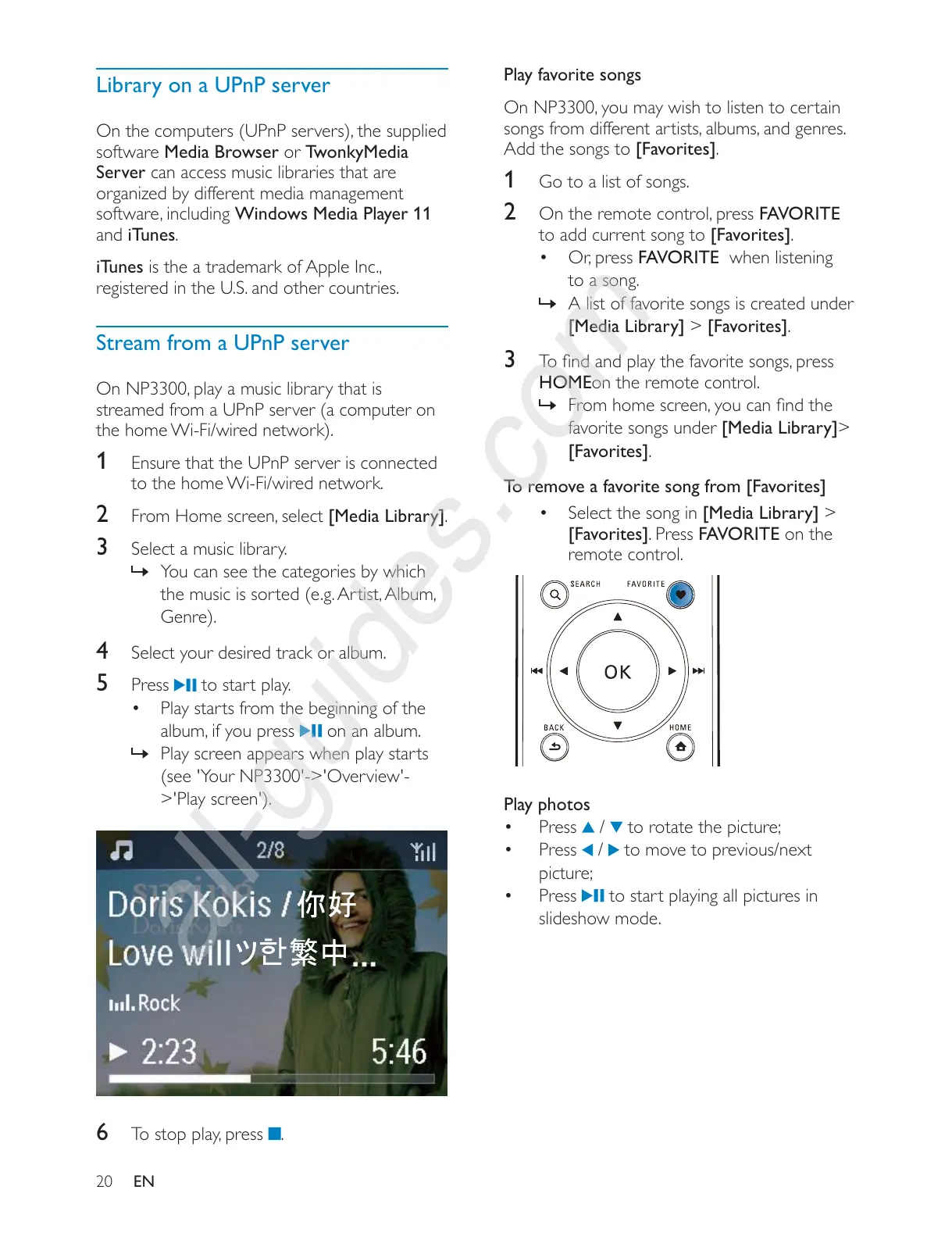
» Play screen appears when play starts
(see 'Your NP3300'->'Overview'-
>'Play screen').
6 .
Play favorite songs
Add the songs to [Favorites].
1 Go to a list of songs.
2 FAVORITE
to add current song to [Favorites].
FAVORITE when listening
to a song.
» A list of favorite songs is created under
[Media Library] > [Favorites].
3
HOMEon the remote control.
»
favorite songs under [Media Library]>
[Favorites].
To remove a favorite song from [Favorites]
Select the song in [Media Library] >
[Favorites]. Press FAVORITE on the
remote control.
Play photos
Press
/ to rotate the picture;
Press
/ to move to previous/next
picture;
Press
to start playing all pictures in
slideshow mode.











 To Next Page