22 EN
Go to [All stations] > [Locations] to
locate stations by region;
use the remote control to start
alphanumeric search or Superscroll
(see 'Play from home Wi-Fi/wired
network'->'Search for music').
4 Select the desired station to start play.
Store preset stations
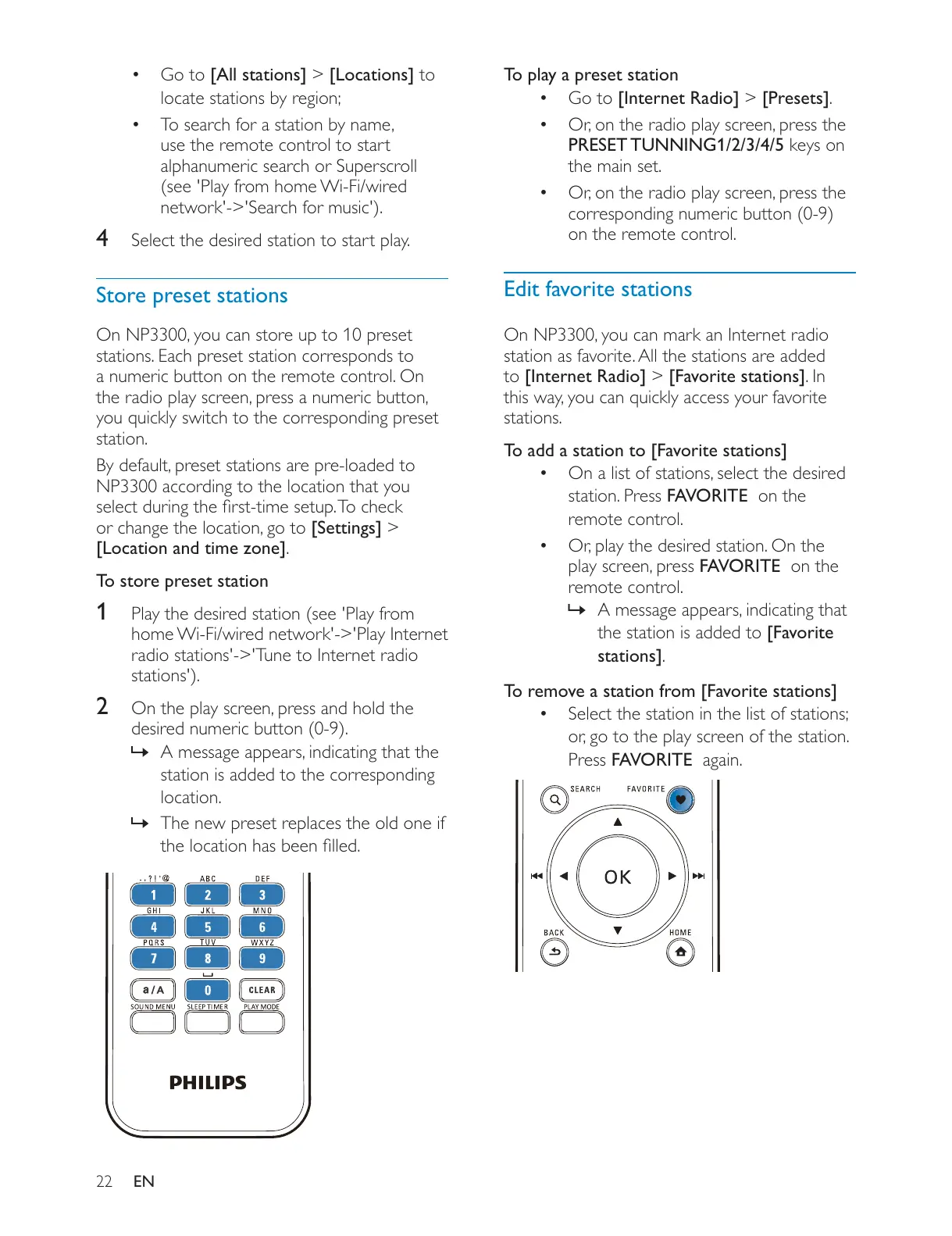
stations. Each preset station corresponds to
a numeric button on the remote control. On
station.
NP3300 according to the location that you
[Settings] >
[Location and time zone].
To store preset station
1 Play the desired station (see 'Play from
home Wi-Fi/wired network'->'Play Internet
radio stations'->'Tune to Internet radio
stations').
2
desired numeric button (0-9).
»
station is added to the corresponding
location.
» The new preset replaces the old one if
To play a preset station
Go to [Internet Radio] > [Presets].
PRESET TUNNING1/2/3/4/5 keys on
the main set.
corresponding numeric button (0-9)
on the remote control.
Edit favorite stations
station as favorite. All the stations are added
to [Internet Radio] > [Favorite stations]. In
stations.
To add a station to [Favorite stations]
station. Press FAVORITE on the
remote control.
FAVORITE on the
remote control.
»
the station is added to [Favorite
stations].
To remove a station from [Favorite stations]
Select the station in the list of stations;
Press FAVORITE again.











 To Next Page