24
Removing a title from the Tape List
You can delete titles not used any longer to create space in the memory of the Tape List for
new recordings. If all titles of a cassette are deleted, also the cassette number will be removed
from the Tape List.
1 Press TAPE LIST on the remote control.
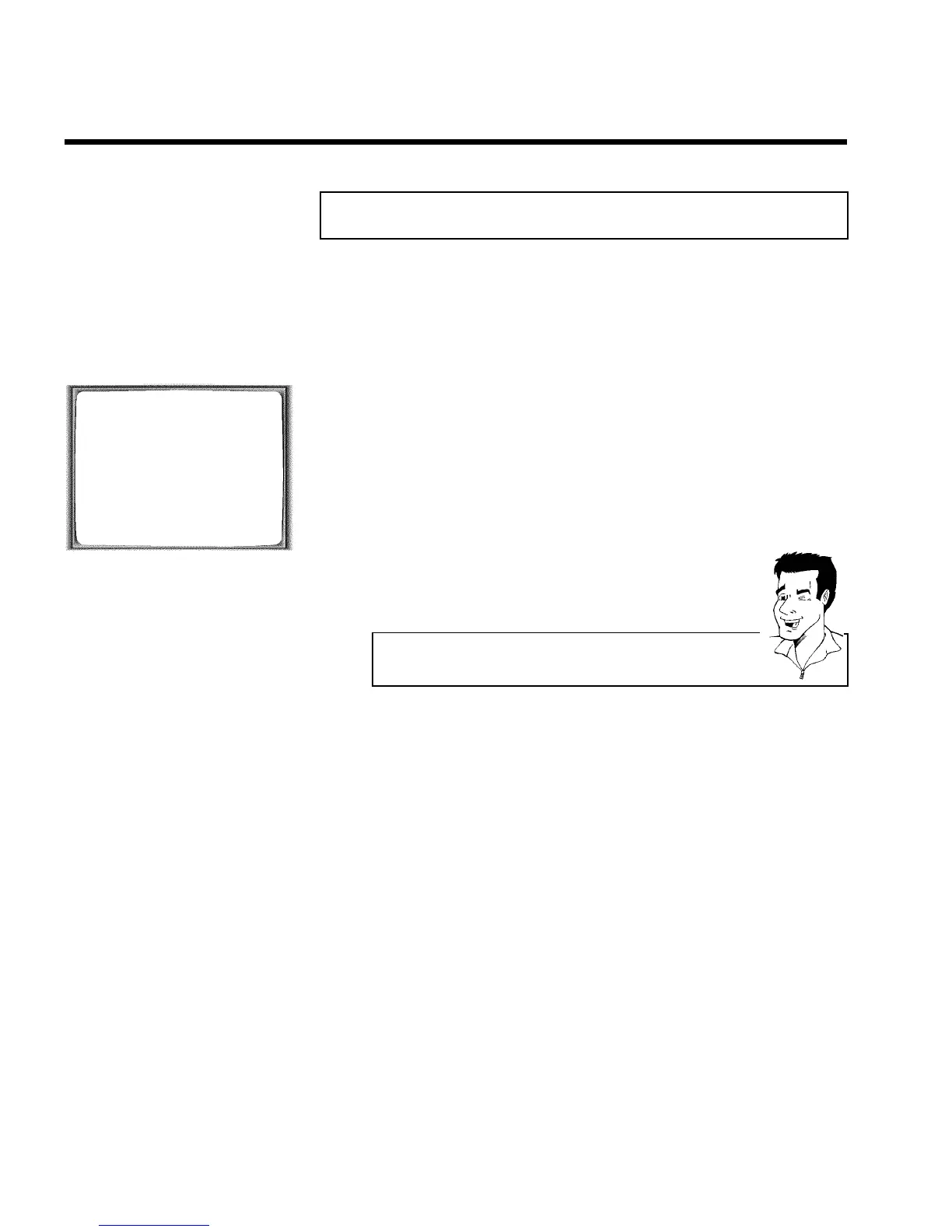
TAPE LIST
CASS. TITLE LENGTH
1 RECORDING 1 061 MIN
RECORDING 2 065 MIN
2 RECORDING 1 MIN
________________________________
EXITpMENU
EDITp p FINDpOK
2 An overview of all recordings saved in Tape List appears on the
screen.
3 Select with P r= or ;qP the title to be deleted.
4 Press CLEAR (CL) .
Cassette contents are not deleted!
The title was only removed from the Tape List memory. Its contents remain
unchanged!
Tape List


 To Next Page