53
Automatic switch-off
If you haven't used the video recorder for a few minutes in certain modes (e.g.: STOP), it will
switch to standby automatically. You can cancel this function to use the video recorder as a
television receiver.
1 Switch on the TV set. If required, select the programme number for
the video recorder.
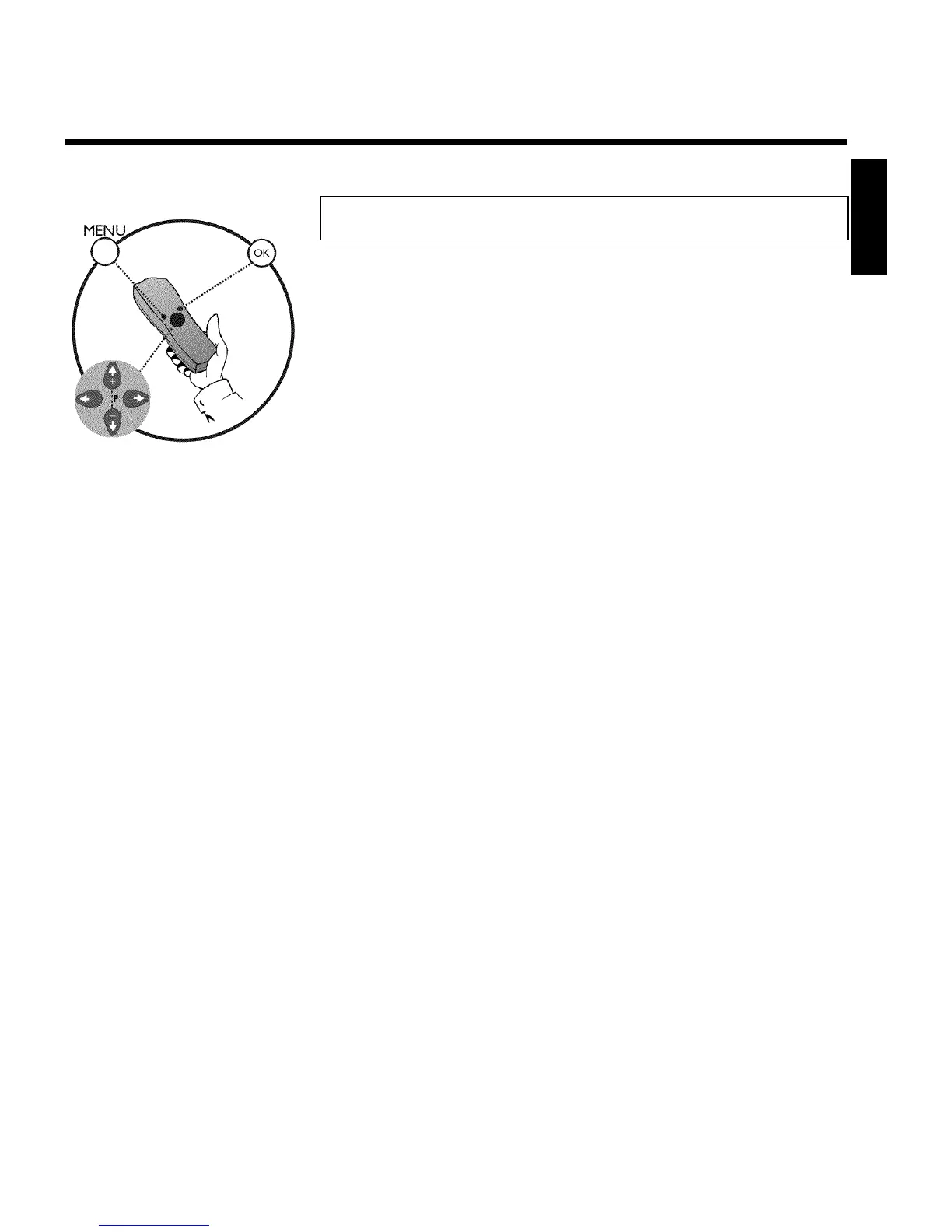
2 Press MENU on the remote control. The main menu will appear.
3 Select line 'AUTO STANDBY' using P r= or ;qP .
4 Select 'OFF' (no automatic switch-off) or 'ON' (automatic switch-off)
with the menu buttons P or Q .
5 Confirm with OK .'STORED' will briefly appear on the TV screen.
6 To end, press MENU .
ENGLISH
Other functions


 To Next Page