29
Automatic search for a blank space on the
tape
You can search for space on the tape (at least 1 minute of blank tape) for a new recording, for
example, after an existing recording on the tape.
0:00:00
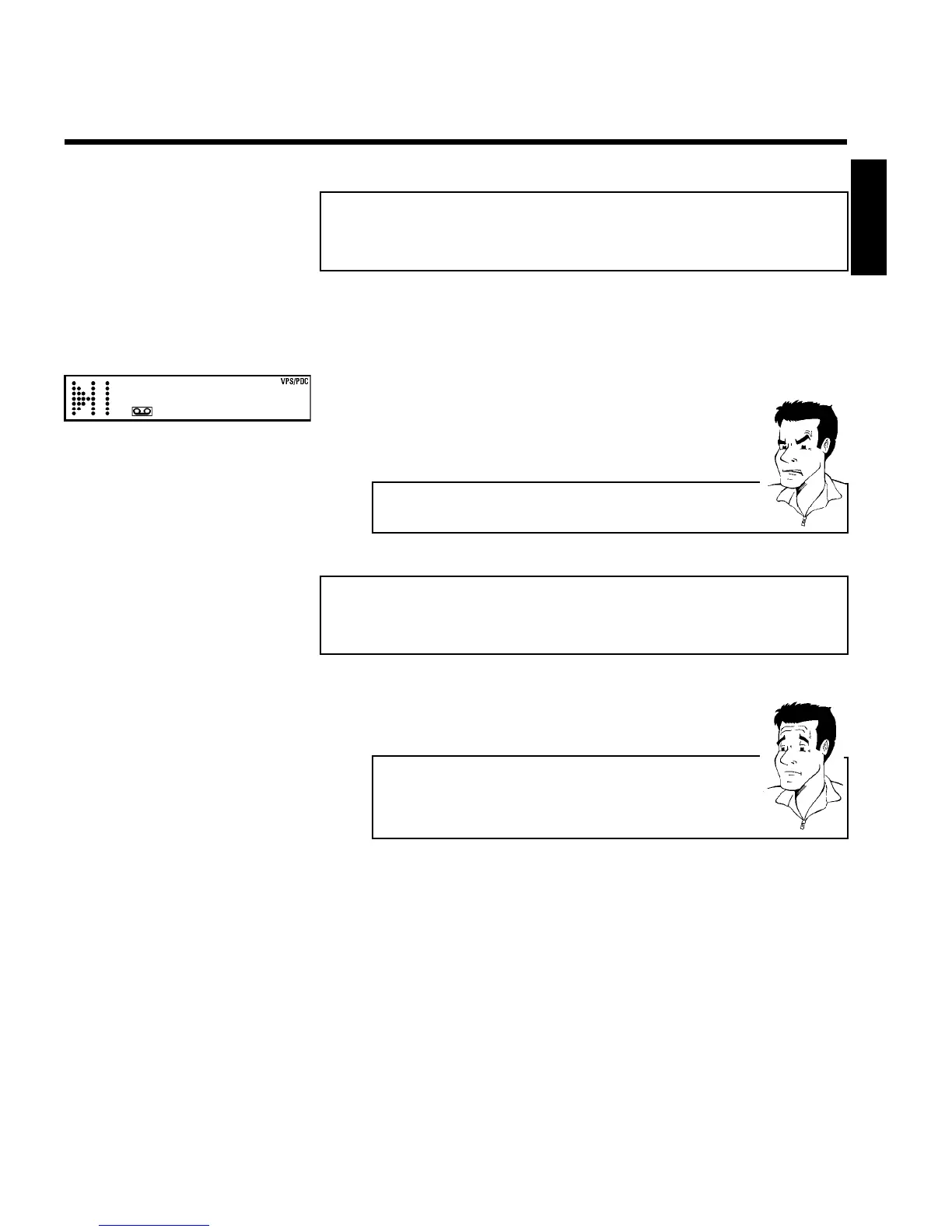
1 Press INDEX E . Then press STOP h . This will, for example,
appear in the display:
2 As soon as the video recorder finds the corresponding tape position,
it automatically switches to pause.
a The cassette is ejected
b The video recorder was unable to find any blank space on the tape
inserted.
Selecting picture settings
(SMART PICTURE)
Using SMART * , you can display and set many stored picture settings for playback.
What types of picture settings are available to me?
'NATURAL': Natural picture (standard setting)
'DISTINCT': Emphasises details (quick movements, sports)
'SOFT': Suppression of interference (when using rental cassettes)
'SHARP': Increase in sharpness (e.g. for animated films)
1 During playback, press SMART * . This will show the current
picture setting.
Press the SMART * button several times to select the
corresponding picture setting.
2 If the SMART * button is not been pressed after a few seconds,
the selected picture setting will be saved.
3 These picture settings will not change until you eject the cassette.
ENGLISH
Playback



 To Next Page