Additional TV functions
qS TV volume: TV volume up
Sr TV volume: TV volume down
qTV TV programme number: To select next programme number
TV r TV programme number : To select previous programme number
To switch off the TV ( TV m ), press Sr and TV r at the same time.
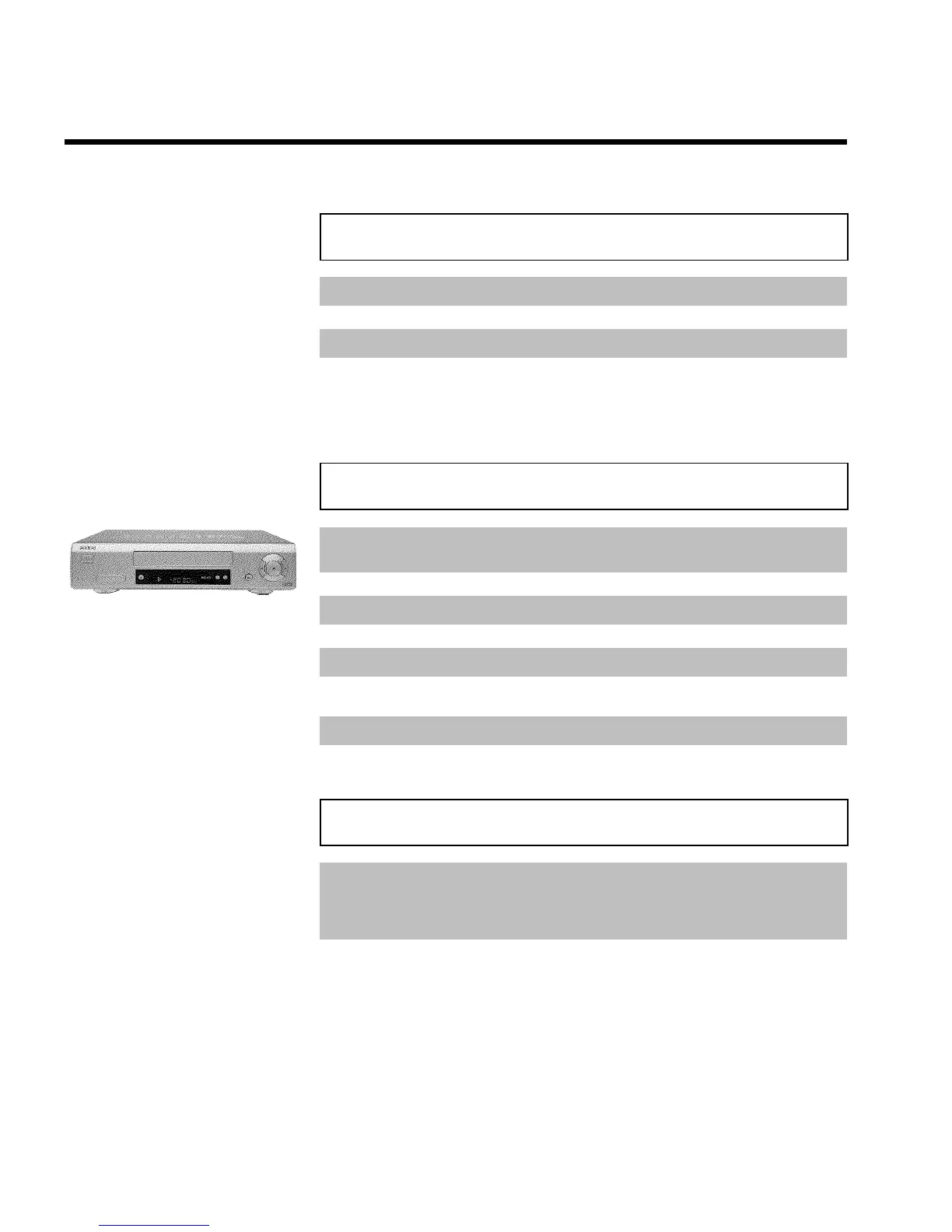
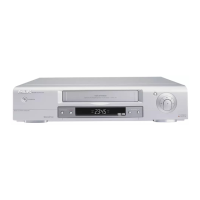
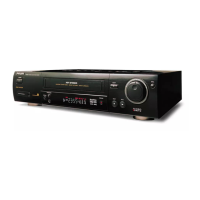
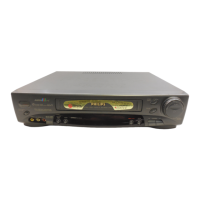
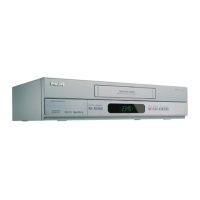
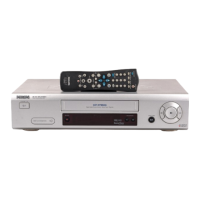
Front of the device
STANDBY/ON m Switch on or off: To switch off or on, interrupt a function, interrupt a
programmed recording (TIMER)
RECORD n Record: To record the TV channel selected at this moment
PROGRAMME r Select: One line or programme number down
PROGRAMME q Select: One line or programme number up
STOP/EJECT ? Pause/Stop, eject cassette: To stop the tape and eject the cassette
H Rewind: During STOP and STANDBY: rewind, during PLAYBACK:
reverse scanning
G Playback: To play a cassette
I Forward wind: During STOP and STANDBY: forward wind, during
PLAYBACK: forward scanning
Sockets on the front
White and red
socket
AUDIO IN 5 Audio input socket left/right : To connect a camera recorder or
video recorder (programme number 'E3')
Yellow socket
VIDEO IN 5 Video input socket: To connect a camera recorder or video recorder
(programme number 'E3')


 To Next Page