EN 41
7 Resource Management
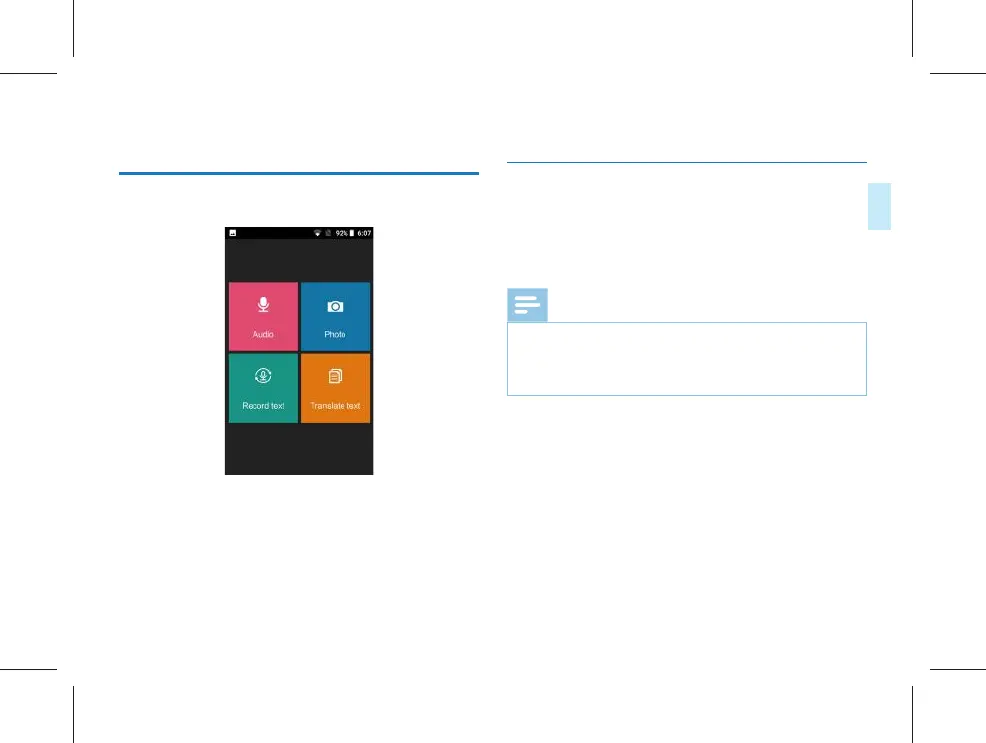
Click to enter “Resource Management”, and a reference page
is shown in the figure below:
Audio: You can view the recording file in this menu, or share,
modify the name, delete and other operations on the file;
Photo: You can view the photo translation photos in this
menu;
Recorded text: In this menu, you can view the text saved by
“Recognize” and the text saved in “Transcript”;
Translated text: You can view the content of the translated
text in this menu.
7.1 Audio
(1) The recording document can be viewed in the audio
mode; after being clicked, the document can be displayed.
(2) Long press the audio document to conduct “sharing,
renaming and deleting” of document.
Note
• In case of selecting to delete a document, the document
will be deleted directly. Please make sure that the
important document has backup, and do not delete it by
mistake.



 To Next Page