42 EN
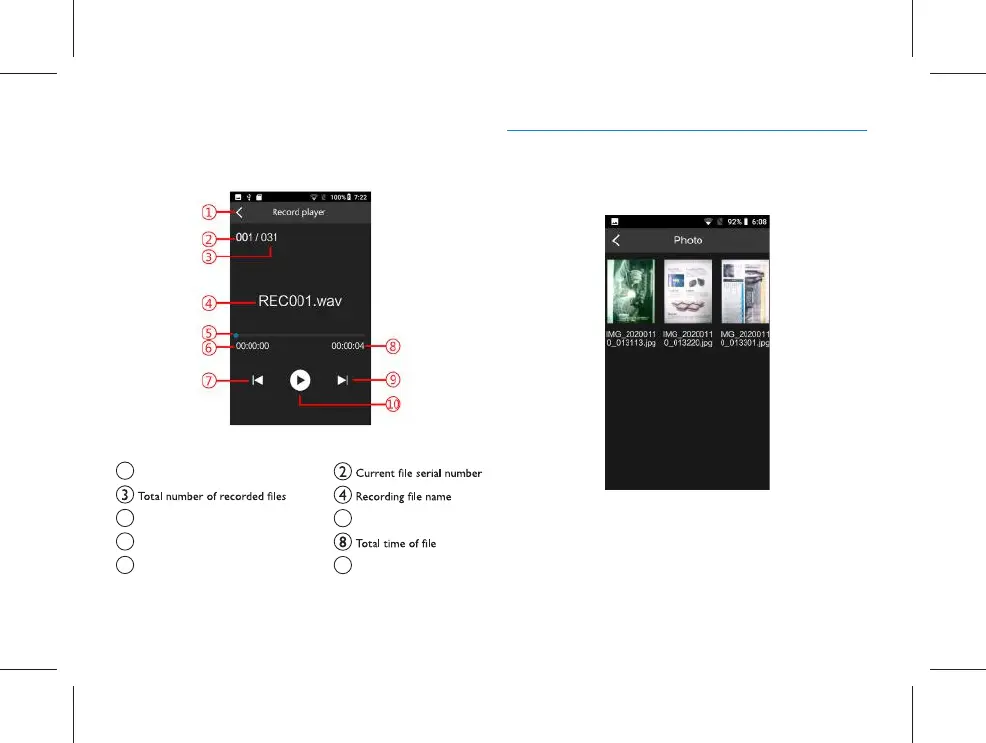
Description of Playing Interface:
1 Return / Quit
5 Progress bar
6 Current play time
7 Previous button
9 Next button
Play / Pause
10
7.2 Photo
Click “Photo” menu to enter the interface of the picture list,
as shown in the figure below:
On this interface, click the picture to preview; long press it
to conduct “sharing”, “renaming” and “deleting” of current
picture.



 To Next Page