EN 43
7.3 Record text
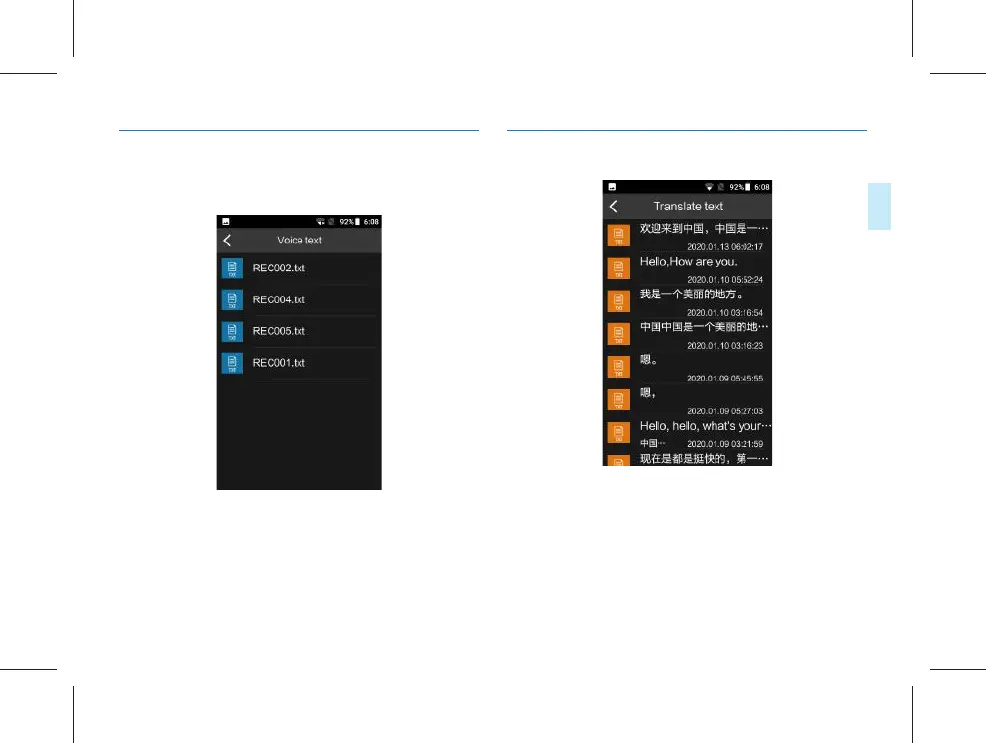
Click the “Record text” menu to enter the interface of the
voice text list, as shown in the figure below:
Click the document to preview the text, and on the list
interface, long press to conduct “sharing”, “renaming” and
“deleting” of the current document.
7.4 Translated text
(1) Click the document to open the text for checking.
(2) Long press the document to “delete this one” or “delete
all”.



 To Next Page