44 EN
8 Setting
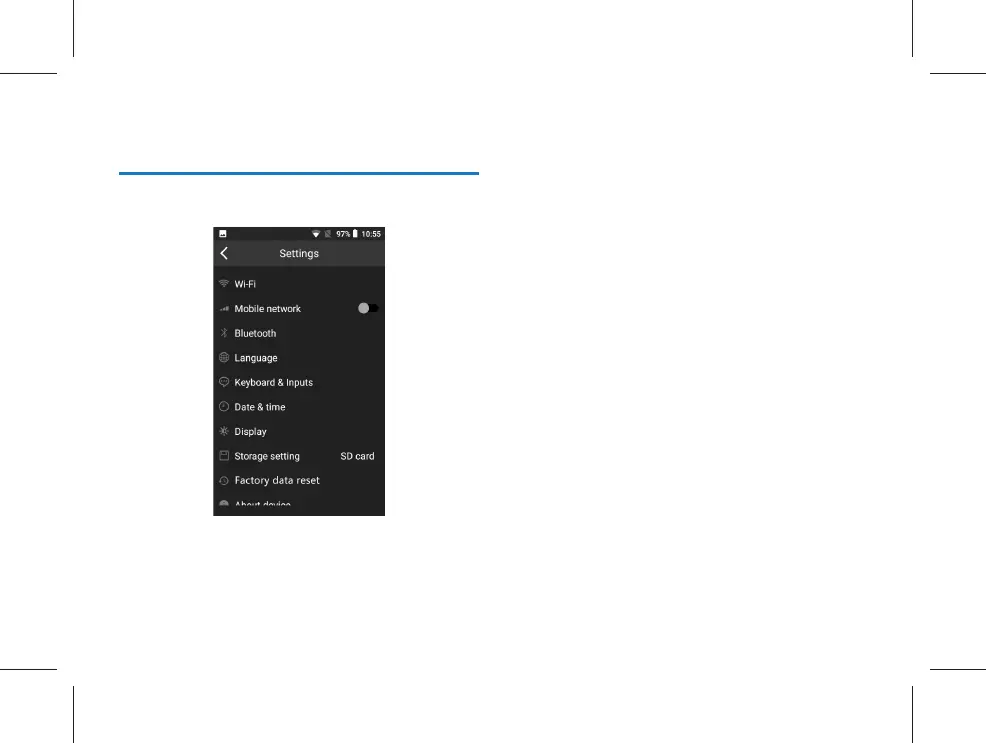
Click “Set” to enter the setting interface:
The setting interface includes Wi-Fi, Mobile network, Blue-
tooth, Language, Keyboard & Inputs, Date & time, Display,
Storage setting, Factory data reset, About device and other
relevant operation items.



 To Next Page