EN 51
4.3 PC Connection
Note
Note
•
•
Recharging may be conducted when the device is either
off or on. Under normal circumstances,the device will be
fully recharged within 2.5 hours when it is off, or about 5
hours when it is turned on.
When moving files to or from the recorder, please do not
disconnect the device from the computer.
Please connect the device with PC with the USB cable
when the device is power on or long press the power
button for 3 seconds after connecting the device to PC.
4.2 Recharge
1 The device has a replaceable battery, which can be taken
out and recharged with the supplied desktop recharger
or case recharger.
2 The device can be connected to a PC using the USB
cable. When recharging, the indicator remains green.
When the indicator goes out, the device is fully
recharged.
3 The device can be connected to the recharger using
the USB cable. When recharging, the indicator remains
green. When the indicator goes out, the device is fully
recharged.
4 Lithium battery is used for the remote control. Charging
the device with the equipped charger or connecting the
device to PC with a USB cable. During the charging, the
charging indicator is green, and it will go off if the device
is fully charged.
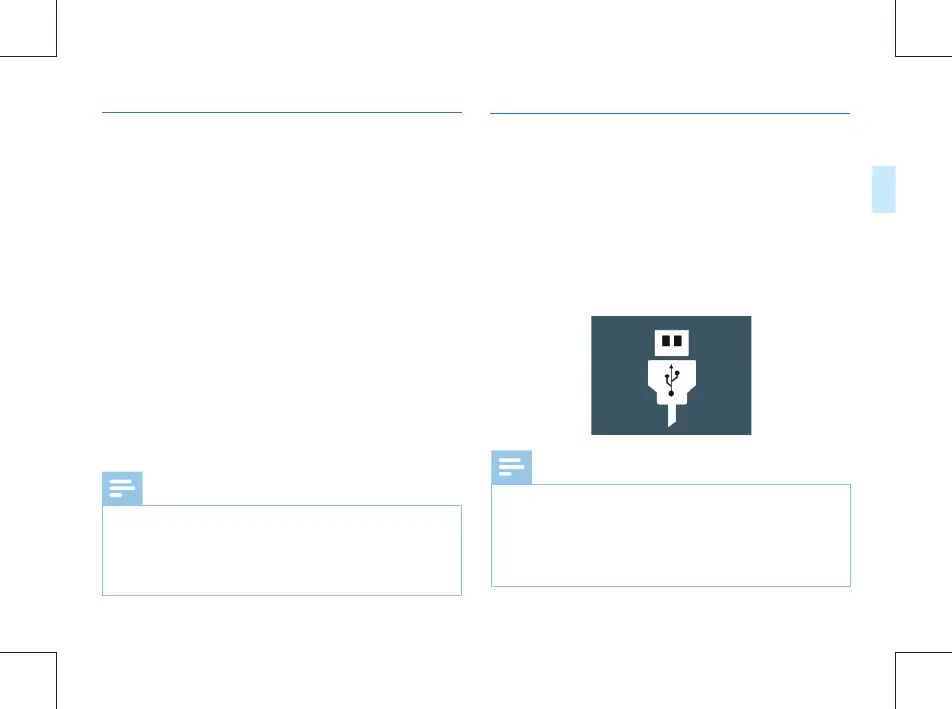
The Voice Tracer can be used as a USB mass storage to
conveniently store, back up and move files. The Voice Tracer
can be linked to a computer with a USB cable. VTR8100,
The Voice Tracer can automatically be recognized as a mass
storage device without the need to install any software,
Please be noted that DSJ-1Jmust save, copy, move and delete
files via the FMS.as shown in the following picture.
•



 To Next Page