64 EN
14 Settings Mode
On the preview interface, press the Menu button to enter
the Settings interface. See the Settings interface reference.
It is comprised of Voice Settings, Video Settings, Camera
Settings and System Settings.
HQ: WAV format, high quality, bit rate 1536kbps.
SLP: WAV format, average quality, bit rate 385kbps.
14.1 Voice Settings
14.1.1 Record Type
14.1.2 MIC Sensitivity
The Voice Settings menu includes Record Type and MIC
Sensitivity. Press the “ ” or “ ” button to select the
Voice Settings menu icon, and press the “ ” or “ ” button
to select the item to be set; then press the Menu button to
enter.
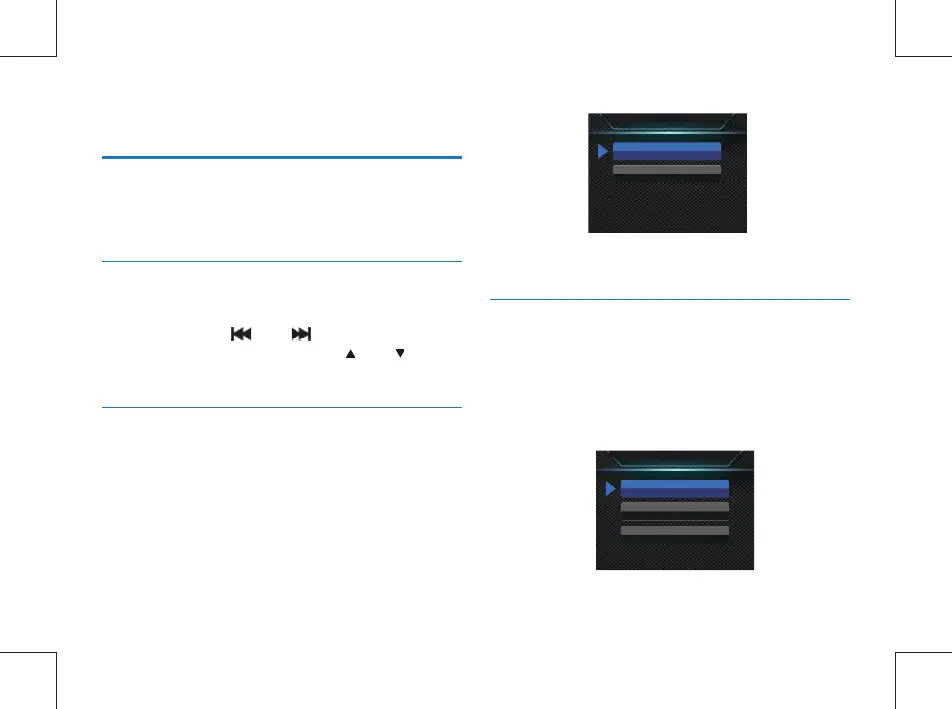
The Record Type menu provides two options: “HQ,” and “SLP.”
If HQ recording is selected, the device automatically saves the
recorded le after the recording lasts for one hour, and then
resumes recording. The interface reference has the following
settings:
The MIC Sensitivity menu has three options: “High, Medium,
Low.” Different recording effects can be achieved by selecting
different levels.The interface reference has the following
settings:
Record type
HO
SLP
MIC sensitivity
High
Medium
Low



 To Next Page