EN 53
Resolution
Current system date
Time watermark
ID Number watermark
ID Number
Video record state
1
2
3
4
5
6
Current recording time
Battery
Current system time
Remain video
TF card
7
8
9
10
11
Note
Note
•
•
•
•
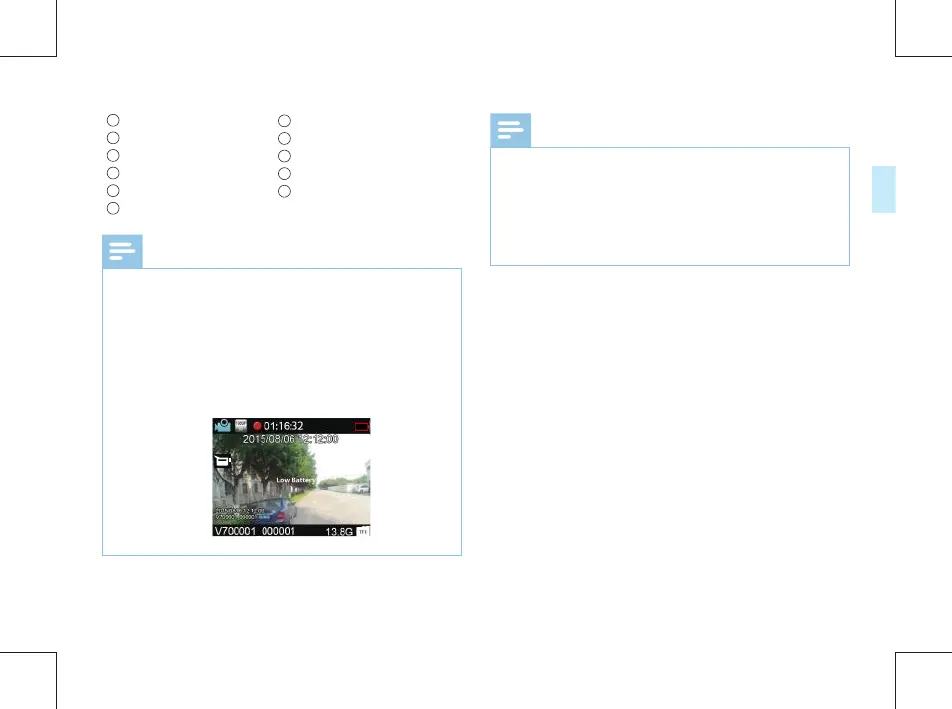
When the low battery icon appears, it means the
battery is nearly empty and the system will automatically
shut down. If the device is recording, the system will
automatically save the recorded file, then shut down. If
the device has a low battery, please recharge the device
promptly. When the device shuts down on a low battery,
it will vibrate and the following icon will be displayed.
Prior to video recording please set the desired recording
parameters.
Please delete any unnecessary files before recording.
For video recording in the dark, press the infrared button
to enter the night mode. The recorded video will be black
and white.



 To Next Page