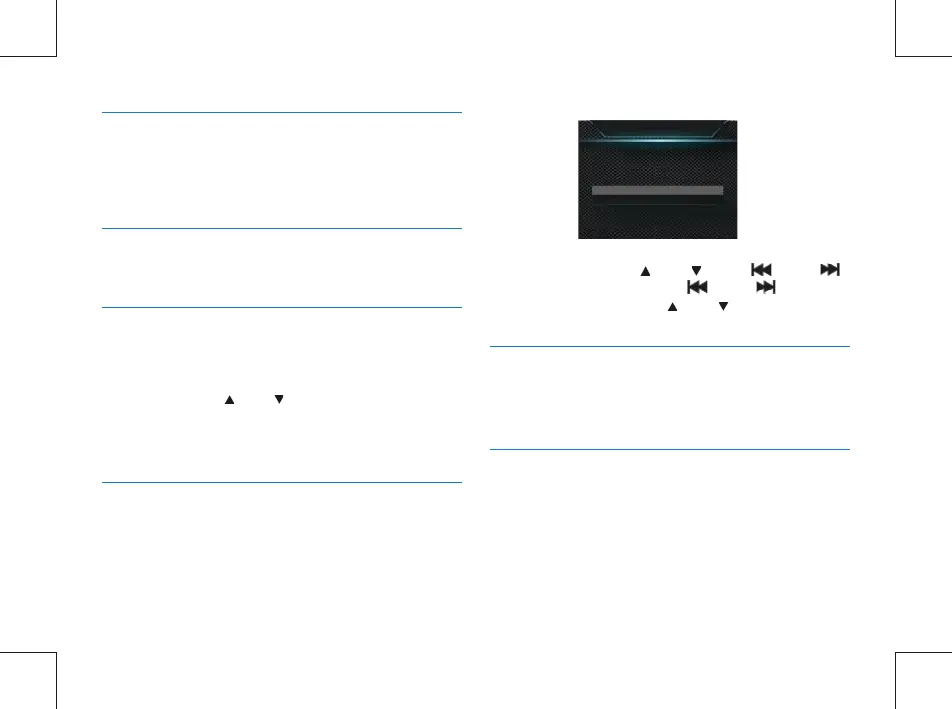
On the interface, press “ ” or “ ” and “ ” and “
” to set the current time. Press “ ” and “ ” to select
Year, Month, Day; and press “ ” or “ ” to change these
value.
14.4.2 TV Mode
14.4.5.1 VTR8100, System Time
14.4.5.2 DSJ-1J, System Time
14.4.6 Auto Off
14.4.4 LCD Brightness
14.4.3 Default Settings
TV Mode has two options: NTSC and PAL. When the device
is linked to TV, the correct option is selected based on the TV
mode.
The System Time interface is illustrated below:
DSJ-1J needs congure system time via the les management
system.
If the user does not perform an operation on the device over
a pre-set time, the system automatically shuts down. See the
auto off setting interface reference below:
This allows the user to adjust the LCD to the required
brightness. The LCD brightness has three levels: High, Medium
and Low. Press the “ ” or “ ” button to select the
desired level. After selecting the level, press the OK button to
conrm, or press the Back button to return to the previous
menu.
This allows the user to reset the parameters of the device.
System time
2015/12/11 16:30
68 EN



 To Next Page