74 EN
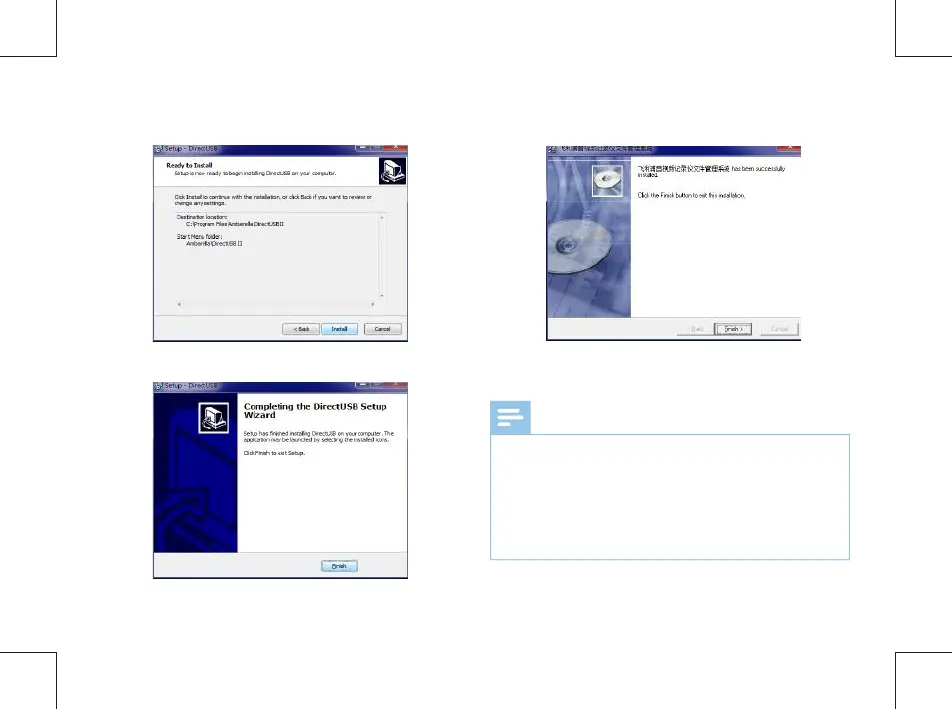
(7) Choose the path to install and click Next”. (9) Click“Finish”to nish the installation.
(10) The File Management System has been installed on the
PC.
(8) Click“Install”to continue the installation.
Note
•
If the FMS is installed on PC with win8, win8.1, win10
and can not be connected or logged in, user need change
the driver signing. Please check the the detailed way to
change the driver signing regarding different operation
system from Internet. If the security dialogue box appear,
please choose continue to install the driver.



 To Next Page