Problem Solution
Perhaps the poles of the battery point in the wrong
direction. Insert the battery in the correct way (see
section ‘Inserting the battery’ in chapter ‘Preparing
for use’).
Perhaps the battery compartment cover is not
properly tted. Reattach the battery compartment
cover in the correct way (see section ‘Inserting the
battery’ in chapter ‘Preparing for use’).
Perhaps the water purier is set to the unltered
spray setting or the unltered stream setting. In
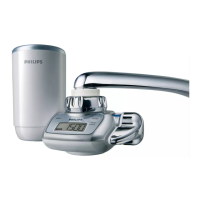
these cases, the display is off. The display only works
when the water purier is set to the ltered spray
setting.
The
display suddenly
goes empty.
Perhaps the battery is low. Replace the battery.
Perhaps the lter cartridge is clogged and the water
ow is extremely low. Replace the lter cartridge.
The appliance
makes a clicking
sound when I
use it at the
ltered spray
setting.
The clicking sound comes from the built-in ow
meter and is normal.
Product specications
Product name and type
number
Pure water on tap WP3822
ENGLISH20









 To Next Page