26
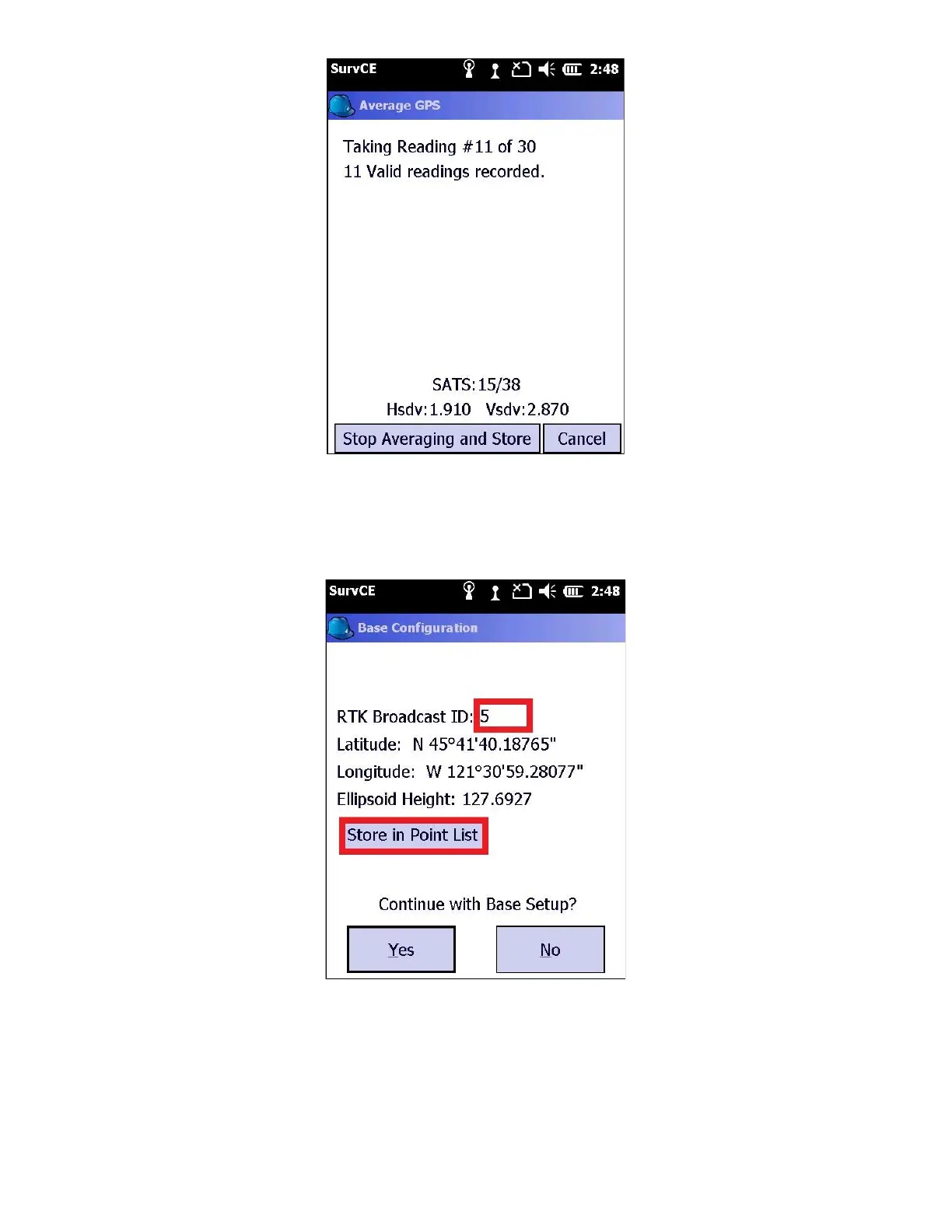
After 30-seconds, the average position will be shown
19. Set the “Broadcast ID” to a unique integer number. The ID can be used to ignore other bases on the same frequency.
20. Always click on “Store in Point List” button
Enter a reasonable Point ID and a reasonable Description. For example: BB for ‘Broadcast Base’. This stores the
Orthometric Height (if a GEOID is defined) for the ground mark under the base into the current job point list. This
position is useful for static post processing (OPUS, RTX, etc) or for reoccupying the point on a subsequent day. Click
on the green check mark to continue.



 To Next Page