50
9 Transform Points
If you setup over an unknown or averaged point, all of the points within your job will need to be transformed to a post
processed point. Since static data was recorded to your S900 Base, export the raw “.dat” file from the head, convert the
static file to RINEX using Stonex’s StaticToRinex tool (see section “11 Download data from Base Receiver and Convert to
Rinex”), and then post process the base position using OPUS, RTX, AUSPOS, etc . Once you have received your processed
solution you will need to input the coordinates into SurvCE, and transform your averaged base position and all associated
baselines to the processed coordinates.
Transforming points does not require a connection to receiver.
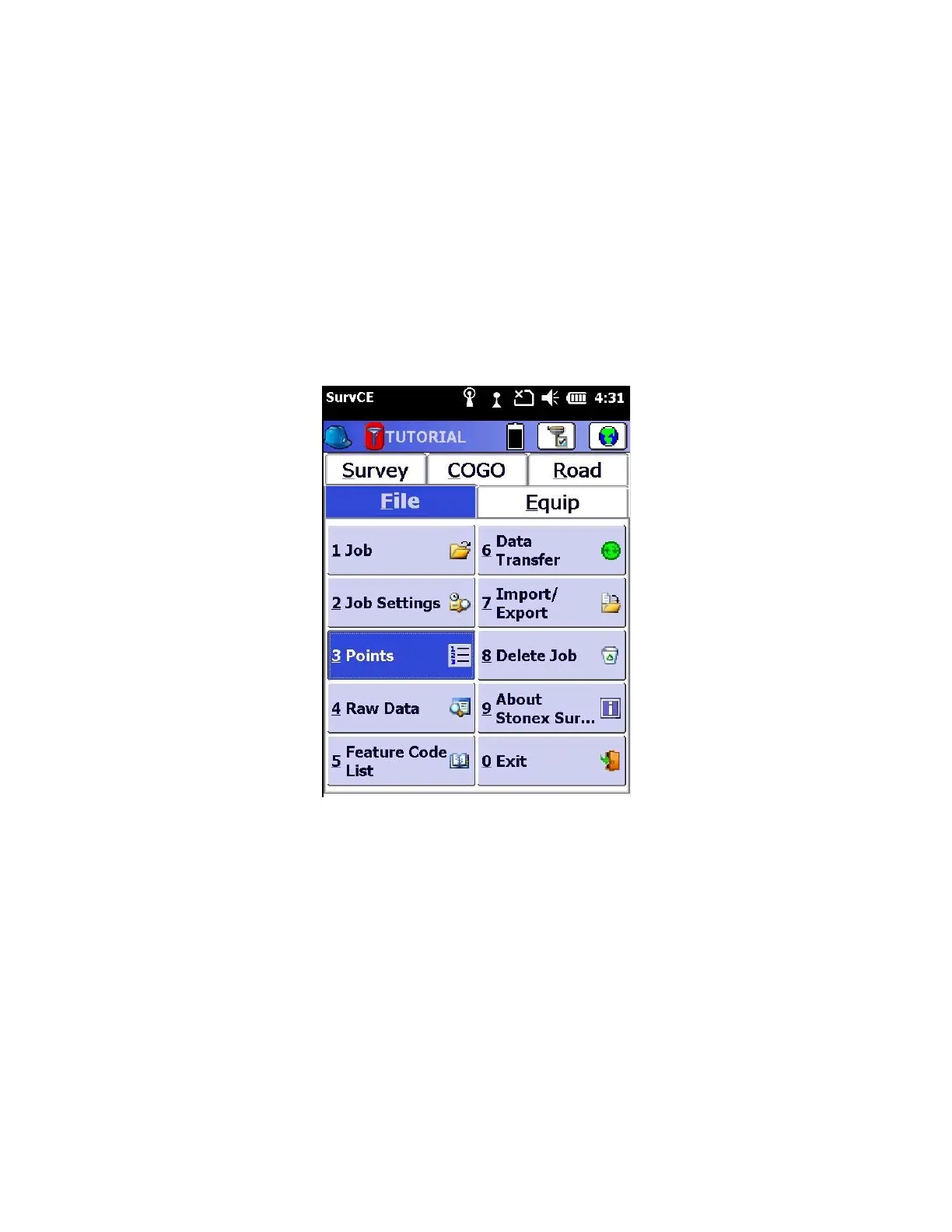
1. Within SurvCE start on the “File” tab and click on “3 Points”
2. Select “Add” and input the Post Processed Base coordinates with the “Description” labeled “PP-BASE”.



 To Next Page