60
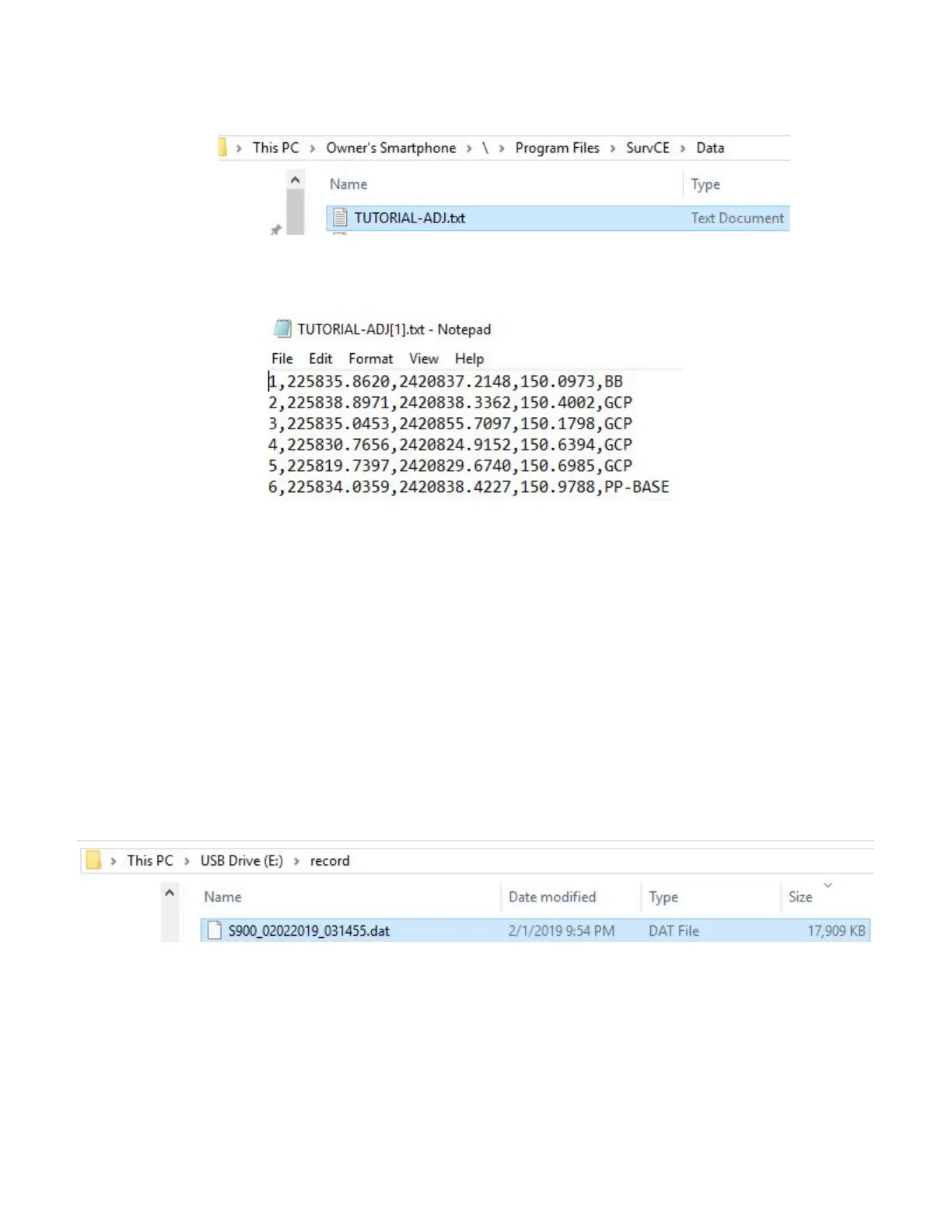
8. Open a new File Explorer window and navigate to “This PC\”yourDevice”\\\Program Files\SurvCE\Data” to access
your files
9. Copy the File to your PC
10. Open the “.txt” file you created to verify the document contains all GCPs
11 Download data from Base Receiver and Convert to Rinex
In order to post process your Base position, you will need to copy the static observation “.dat” file from the base
head to your PC. Then, use Stonex’s Static to Rinex Converter tool to convert the “.dat” file to a Rinex file which can
be uploaded to OPUS, RTX, or other post processing tool.
1. Power on the Base Receiver, and connect the Receiver to your PC using the 7-pin LEMO to USB cable.
2. The Receiver will be assigned a drive letter (in this case E). Navigate to the “record” folder
3. Copy the raw static observation “.dat” file to a desired location on your PC
4. Download Stonex’s StaticToRinex64 from phoenixlidar.com, and run the “.exe” file



 To Next Page