31
Click the green check mark to accept
8. Your base is now configured. Verify that the Data link LED on the S900 head is flashing green, signifying RTK
corrections are being transmitted.
9. Verify the Base is storing GNSS observations on the head by verifying that the data link LED is also flashing blue
with flashing rate corresponding to the sampling interval specified (1 Hz).
4 Rover Configuration
1. Setup the Rover:
a. Attach the UHF antenna to the head
b. Put a freshly charged battery in the head
c. Attach the rover to the range pole
d. Attach the Data Collector bracket to the range pole
e. Power on the Rover receiver head
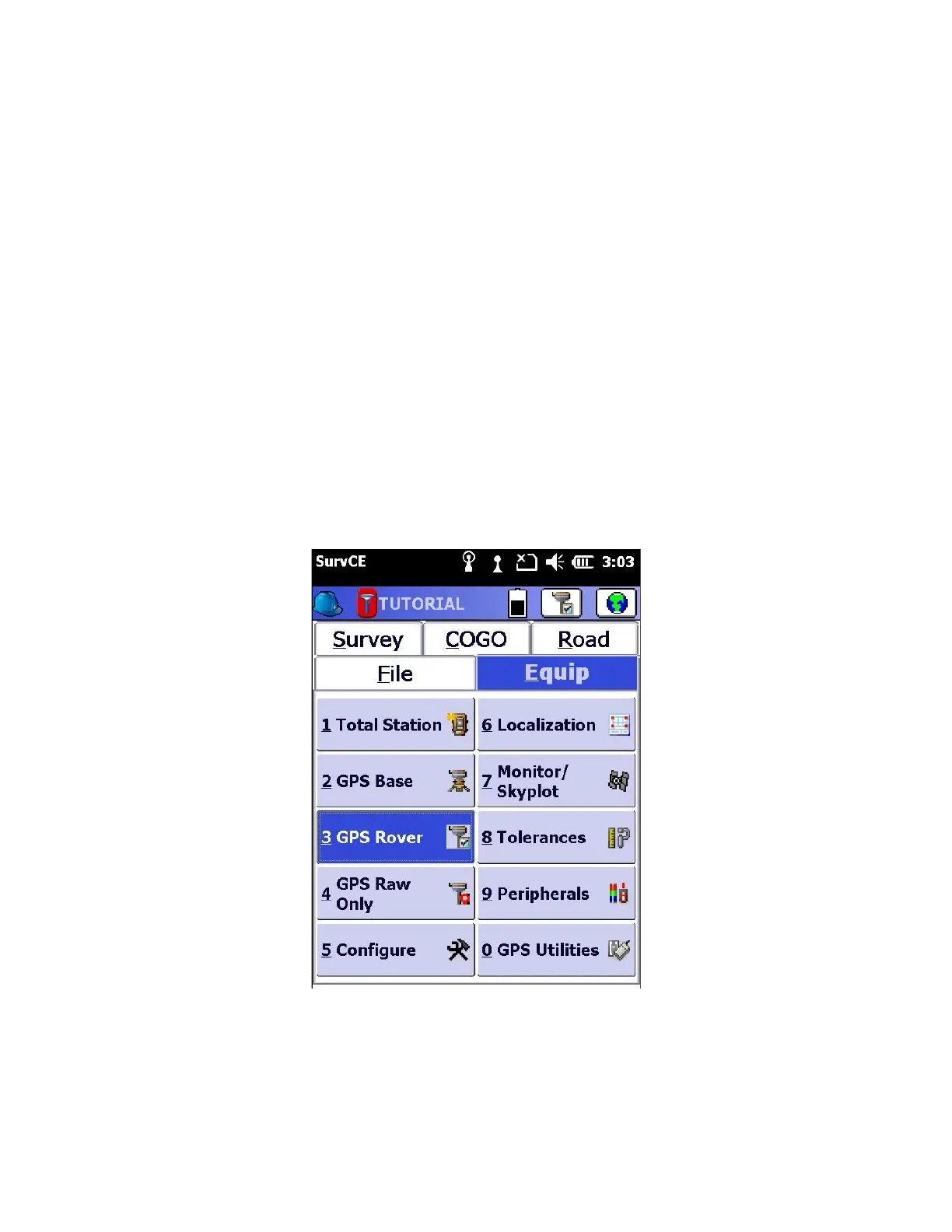
2. From the main SurvCE menu click on the “Equip” tab
Then click on “3 GPS Rover”
3. Choose the correct Manufacturer and device type as shown below:



 To Next Page