30
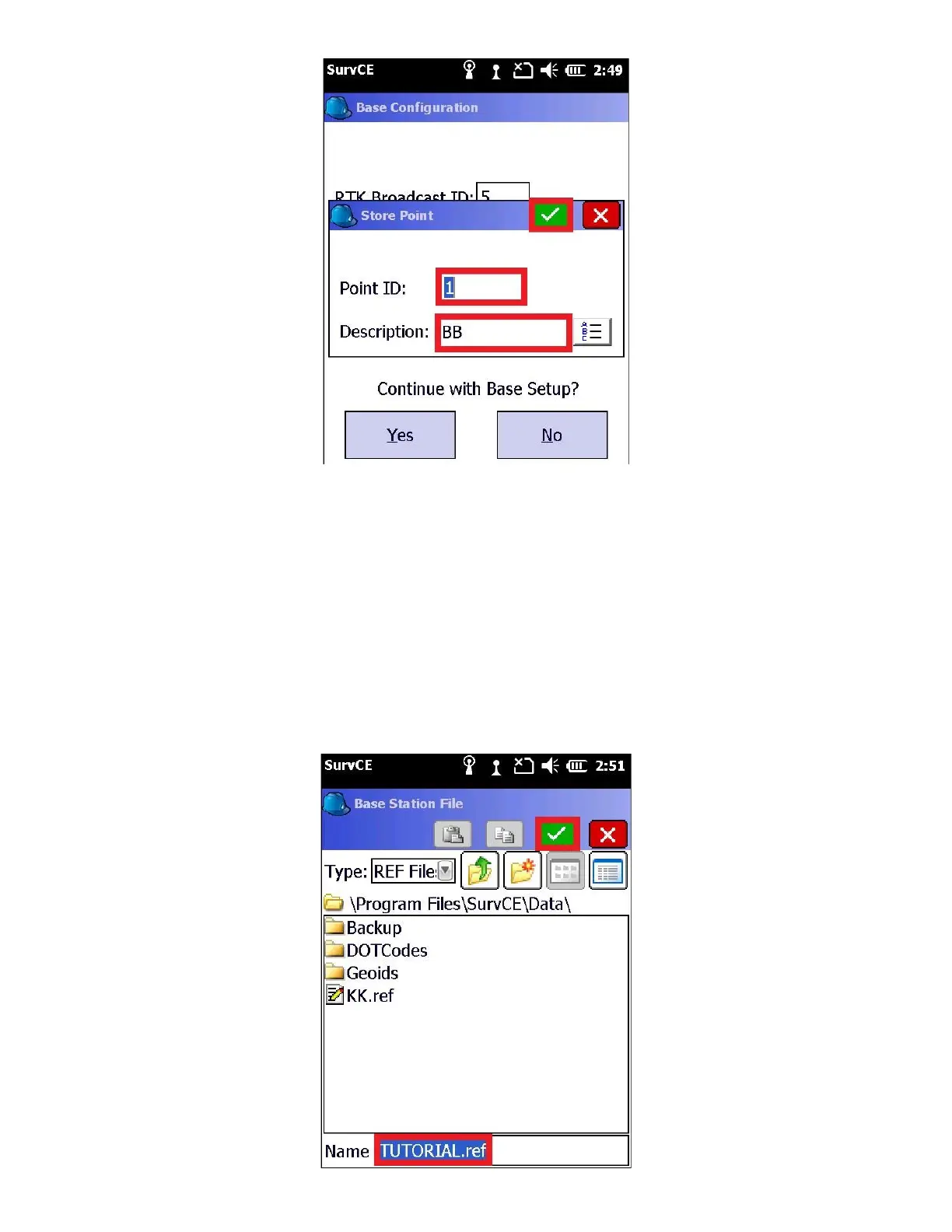
6. The “Point Stored” confirmation dialog will be shown
● Click on “OK” to return to the Base Configuration menu
● Click the “Yes” button to “Continue with Base Setup”
● When prompted “Base Configuration Successful, Save Settings to File?”, Click “Yes” to store the base
location to a file.
7. A file with the job’s name and the extension .REF will be suggested



 To Next Page