56
10 Exporting Points
These are the steps to convert SurvCE point data to an ASCII text file. Choose a coordinate order, type of delimiter,
range of points and precision. After choosing the settings in this dialog box, press OK. A standard file dialog will
appear. In this dialog, choose a name for your ASCII file and then press OK. After the file is written, a dialog will
appear telling you that the conversion if finished.
Exporting points does not require a connection to receiver.
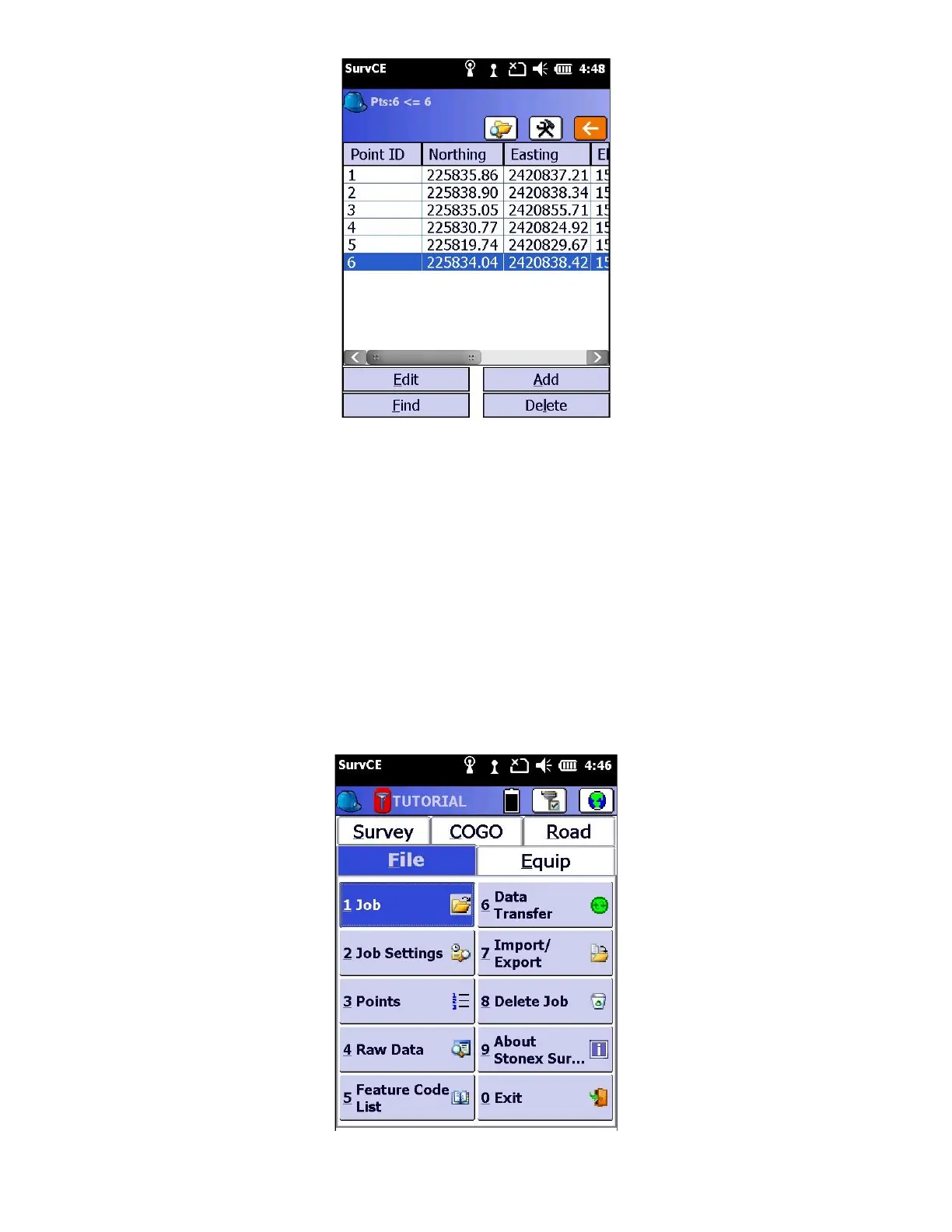
1. First specify the job you wish to export. From the “File” tab, click on “1 Job”, and select job you would like to Export.
Then click the green check mark.



 To Next Page