43
Not only is it annoying, but it can interfere with a network correction source. Luckily there is a simple solution:
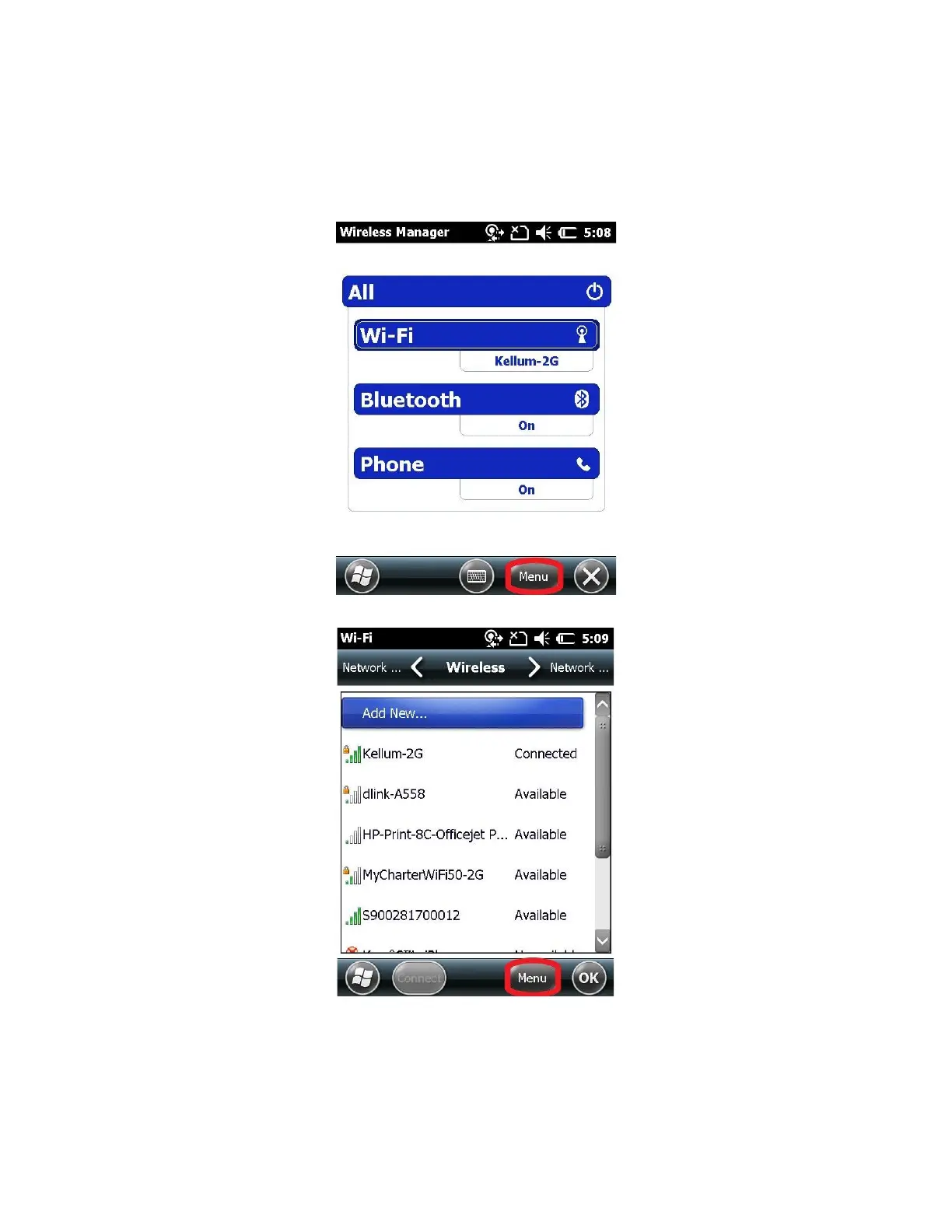
1. Click at the top of the screen, and then click on the icon that looks like a cell phone.
2. Next click on the “Wireless Manger” link (blue)
3. Click on Menu > Wifi Settings
4. Click on Menu > Advanced
5. Uncheck the “Turn on available network notification” option > OK



 To Next Page