81
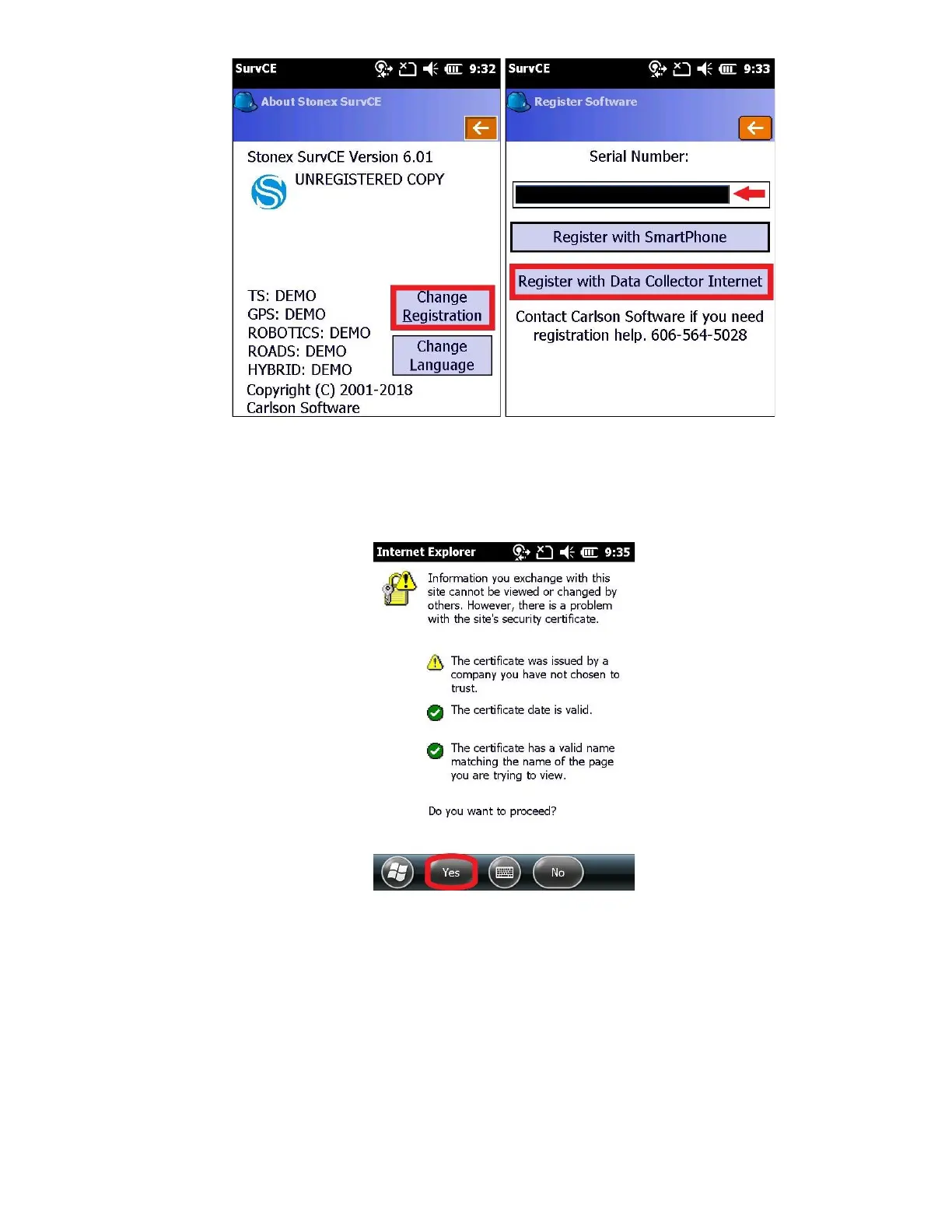
13. A window with pop up stating “Complete registration in browser window that appears. Note the Change Key and
return here to enter it.”, Press “OK”
14. You will be prompted “Do you want to proceed?”, click “Yes”
15. Fill out all fields except the Account Number field, check the box stating you have read and agree to the terms, and
click on “Submit Registration” (blue at the bottom)



 To Next Page