83
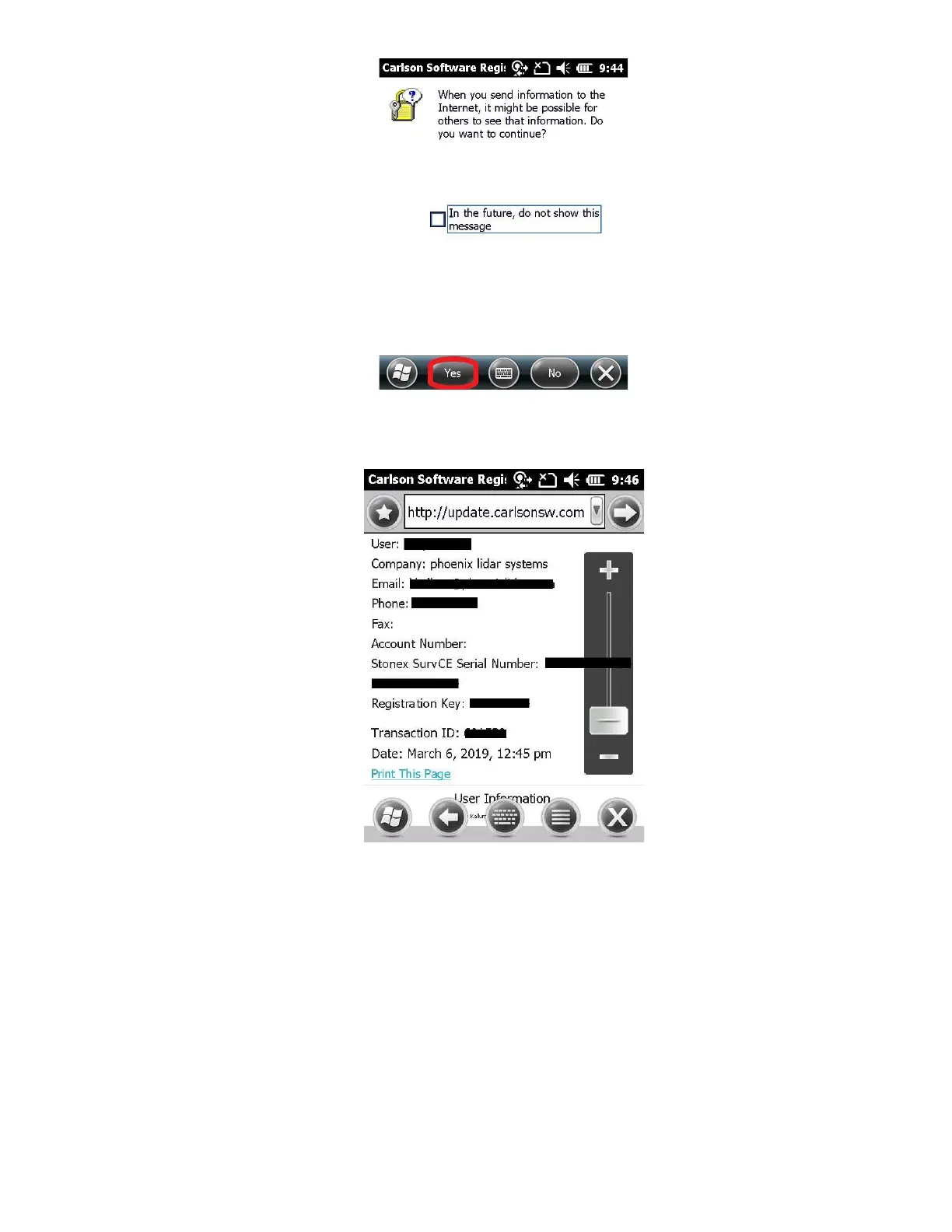
18. “Stonex SurvCE Registration Successful” will appear on your screen. You will also receive a “Registration
Successful” email
19. Once you have verified that you have received the email with the change key, power down data collector, and restart.
Open SurvCE, but this time when prompted “You are currently in DEMO mode. Each coordinate file will be limited to a
maximum of 15 points. Do you wish to register now?”, click “Yes”.
20. Ensure that the registration Serial Number is still populated, and Click “Register with smartphone”



 To Next Page