27
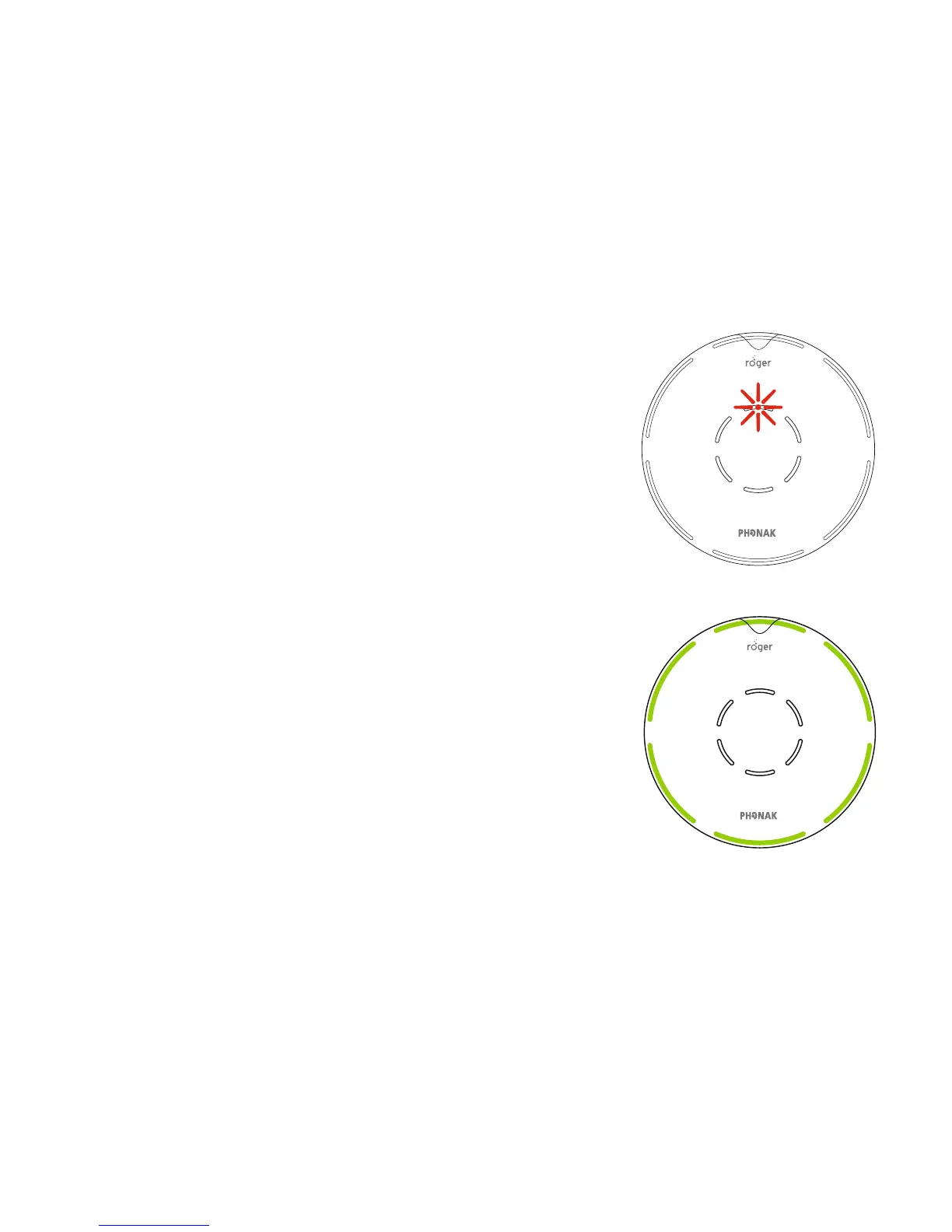
Mute indicator lights
When your Roger microphone is placed in the docking
station and transmitting audio, the center red indicator
light appears.
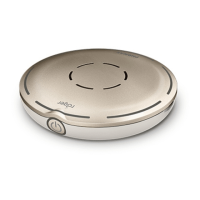
Your Roger microphone transmits
audio signals while its microphone
is muted.
While transmitting audio, your Roger
microphone also sends its microphone
signal in parallel.



 To Next Page