42
9.2. Using multiple microphones
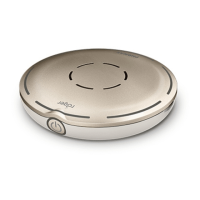
When Roger Select is used with other microphones, it has
to be worn by a talker on the chest. When you place
Roger Select on the table, it will mute automatically.
Unmuting Roger Select will mute the other microphones
that are connected with the Roger Select. Muting Roger
Select or wearing it on the chest will reactive the other
microphones again.



 To Next Page