13
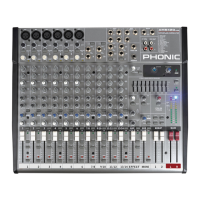
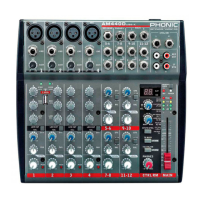
AM844D
Master Section
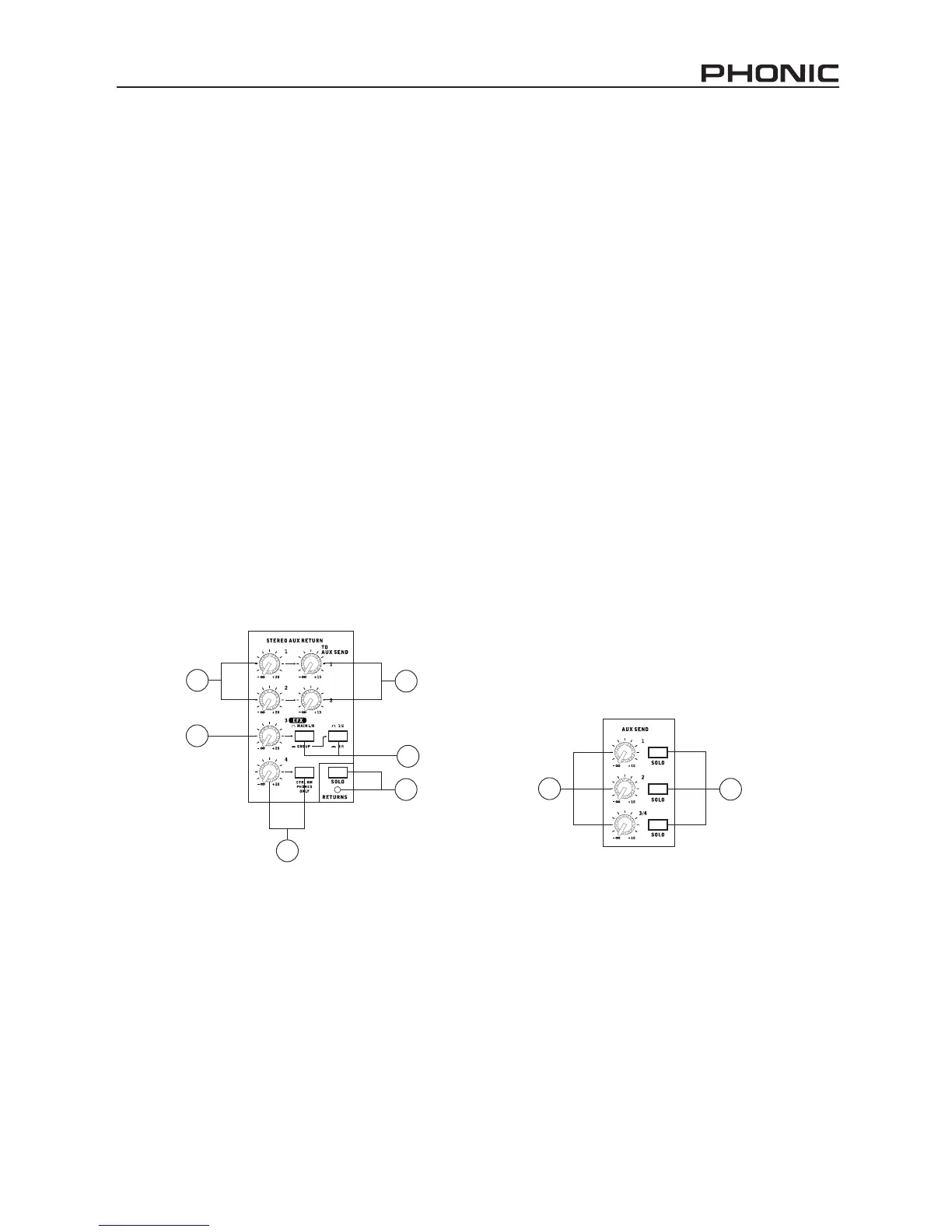
37. AUX Return 1 and 2 Controls
These controls adjust the signal level of audio fed
through to the stereo AUX Return inputs. The “To
AUX Send 1” and “To AUX Send 2” controls adjust
the pre-fader level of the signal from the AUX Return
controls to the corresponding AUX mixing buses for
effect-to-monitor sends.
38. EFX Return Control
This control adjusts the signal level of audio fed
through to stereo AUX Return 3 inputs. If no device
is plugged into the AUX Return 3 inputs, it then acts
as the nal level control of the built-in Digital Effect
Engine.
39. Main L/R - Group Buttons
The rst of these buttons changes the destination of
the signal sent from the AUX Return 3 mixing buses
between the Main L/R and Group mixing buses. The
second button works when the user selects to send
the signal “To Group”, allowing the signal to be sent
to either Group 1-2 or Group 3-4.
40. AUX Return 4 Control
This control adjusts the signal level of audio fed
through to the stereo AUX Return 4 inputs. The ac-
companying “C-R Phones Only” button allows users
to send the signal to the Control Room / Phones
mixing bus for monitoring purposes.
41. Solo Returns Button
Pushing this buttons allows you to send the signal
from all AUX Returns to solo mixing bus (which is,
intern, send to the Control Room / Phones mixing
bus). When the Solo is activated, the corresponding
LED indicator will illuminate.
42. AUX Send Master Controls
These controls adjust the nal level of the AUX 1, 2
and 3/4 signals (as taken from the AUX 1, 2, 3 and
4 level controls on each channel strip), the audio of
which is sent to the corresponding AUX send out-
puts. The SOLO buttons accompanying these con-
trols allow you to send the AUX send signals to the
Control Room / Phones mixing bus for monitoring
purposes.
43. AUX Solo Buttons
Pushing one or more of these buttons allows you
to send the signals from the AUX 1, 2 or 3/4 mixing
buses to the Control Room / Phones mixing bus.
40
37
37
41
39
38
42
43


 To Next Page