FireFly Control Panel
The FireFly control panel can be ac-
cessed at any time by entering choosing
the shortcut from your Programs menu.
This program will not only allow users to
alter their device and channel names and
properties, but will also let them correct
for latency issues, change sampling rates,
and so forth. When opening the software,
a number of options will be available for
users to select from, allowing them to ad-
just the available properties.
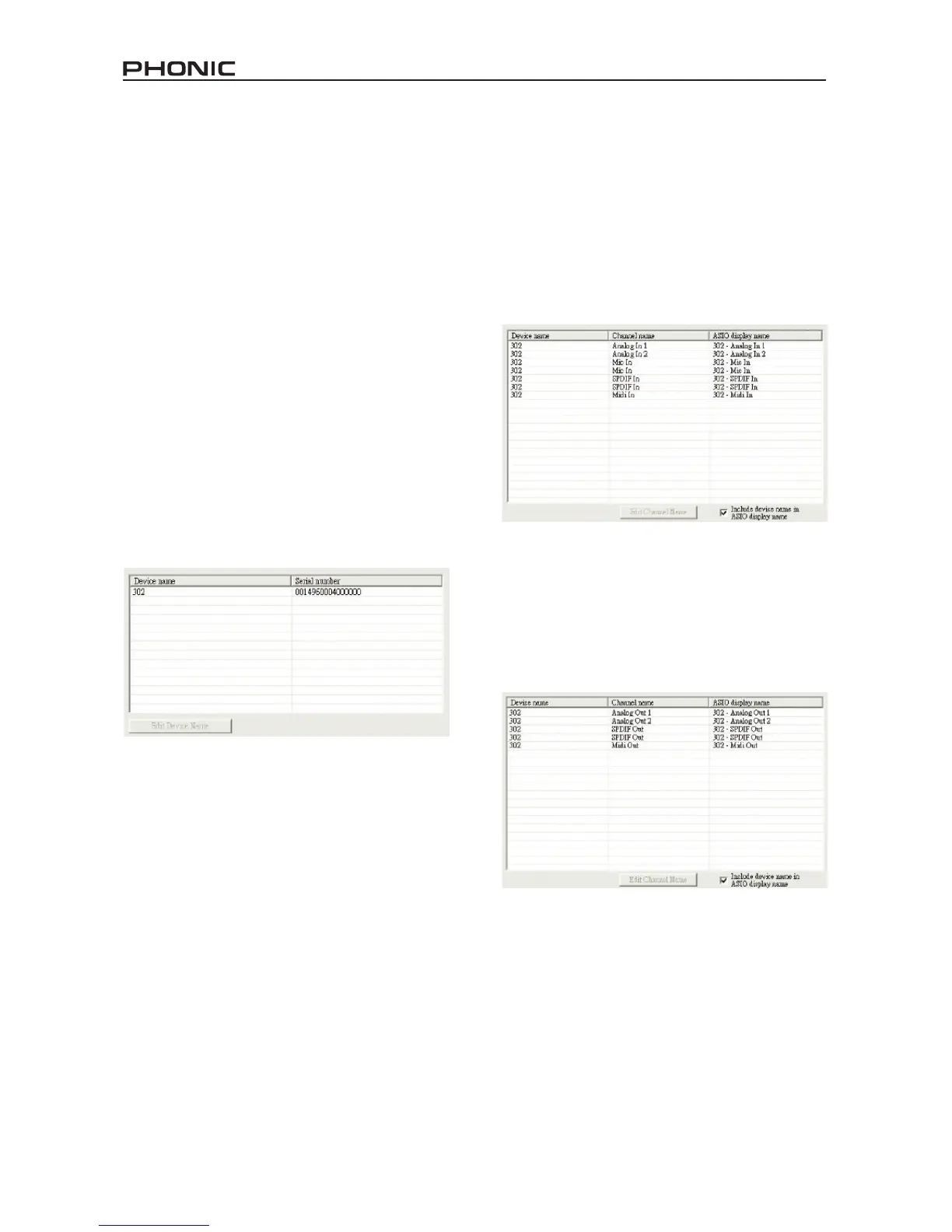
Devices
In the Devices section, users are able
to view and edit the name of the Phonic
FireWire Devices connected to their com-
puter.
Input Channels
The Input Channels section allows users
to view and edit the name of the various
input channels received from the FireWire
input. For a list of default channel names,
please consult the table on page 12.
Output Channels
By entering the Output Channels section,
users can view and edit the names of the
two output channels from the computer to
the FireFly mixer.


 To Next Page