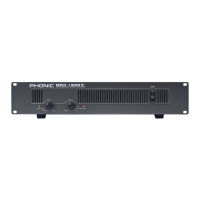
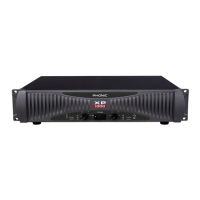
2 MAX 1000 | MAX 1500 | 2500
English
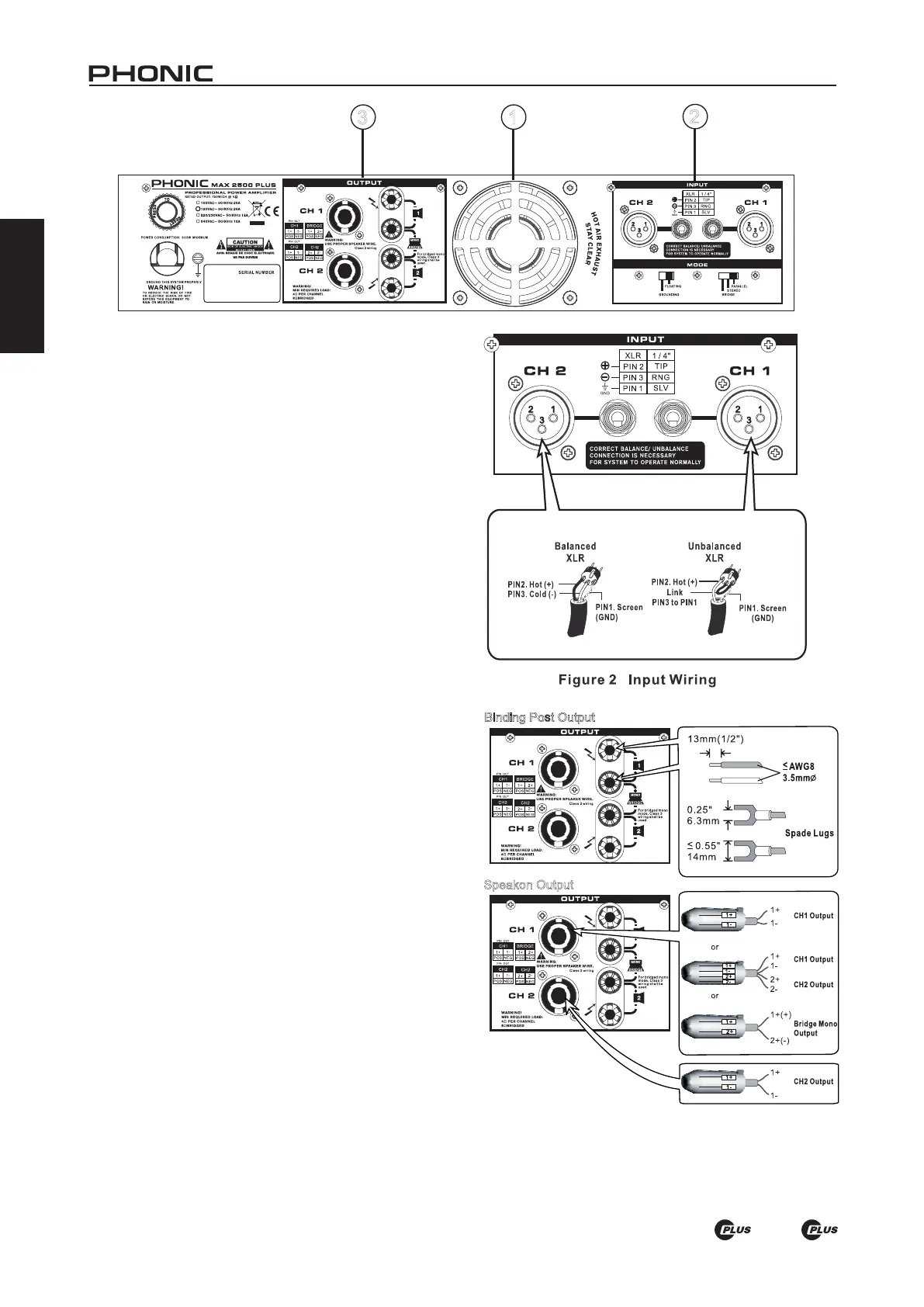
1. HEAT VENTILATION
This unit comes with variable speed fan that auto-adjusts
fan speed depending on the temperature of the machine
during operation. Be sure not to obstruct the heat vents in
any way. This will ensure the amplier is always properly
ventilated.
CONNECTIONS
2. INPUT
Connect your source to either the XLR or 1/4” TRS jack,
which are commonly used for both mobile and installation
set-ups. They provide a good combination of ease of con-
nection and resistance to corrosion.The XLR inputs should
be wired as shown in gure 2.
3. OUTPUT
Binding posts and speakon connectors make up the unit’s
output section. Loudspeakers can easily be connected
using banana plugs, spade lugs, bare wires or speakon
connector. More people prefer using speakon than other
connectors because it’s the least likely to be disconnected
by accident or cause electrical shock. Because speakon
comes with four wires inside, you can connect to two speak-
ers with only one channel output. Be careful when making
connections since improper connecting could cause the
unit to short circuit. The minimum impedance setting for
STEREO and PARALLEL operation is 4 ohm, while 8 ohm
is the minimum for BRIDGE MONO (see Figure 3).
3 1
2
Speakon Output
Binding Post Output
Figure 3 Output Wiring


 To Next Page