3MAX 1000 | MAX 1500 | 2500
English
OPERATION
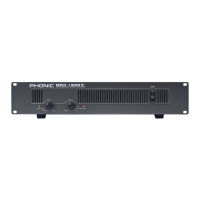
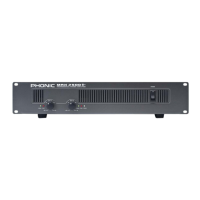
FRONT PANEL
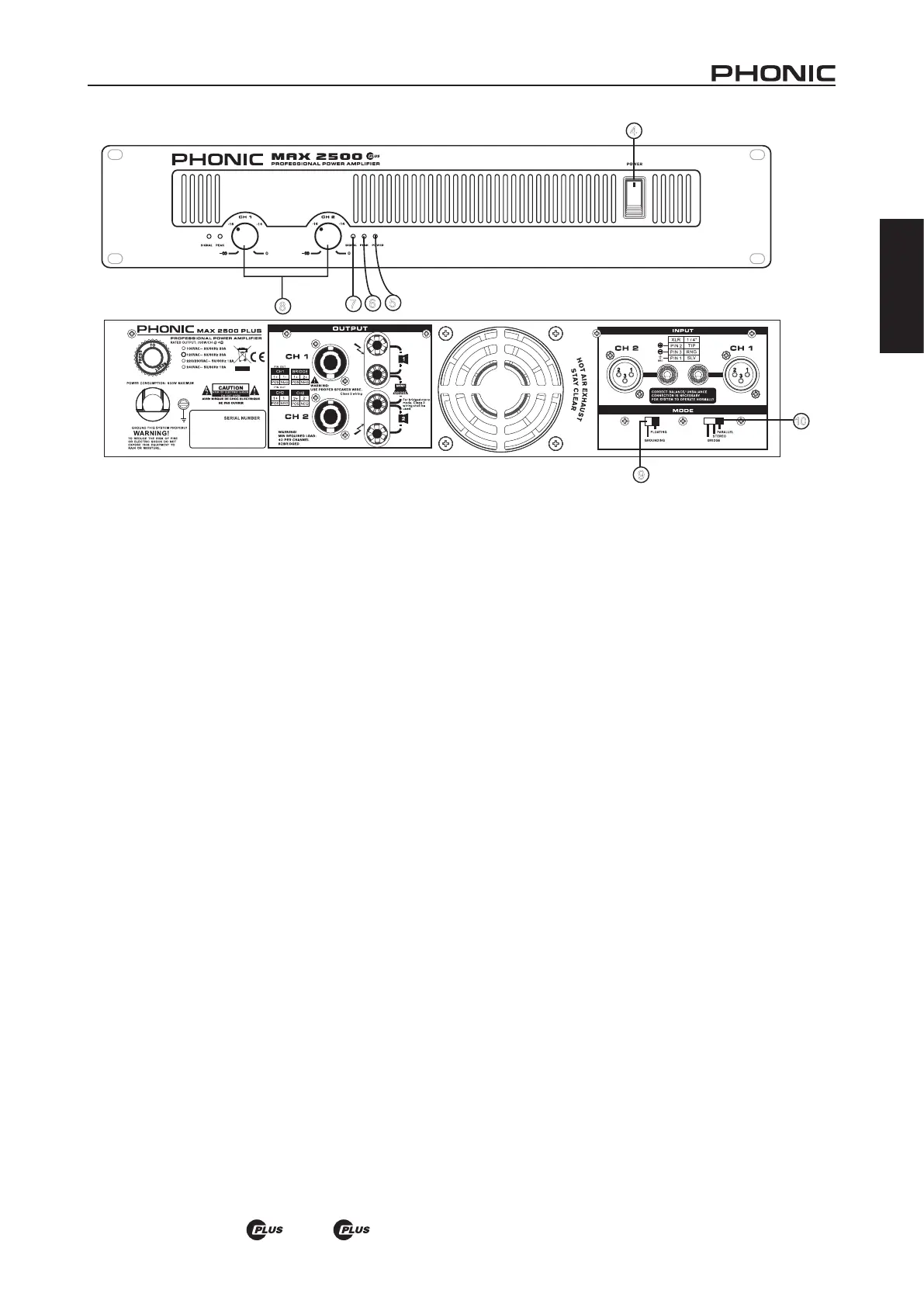
4. POWER SWITCH
This switch turns the power of the unit on. Remember to
turn the gain controls down before turning power on or o,
even though it comes with a POWER ON / OFF MUTING
feature. In general, the power amplier should be the last
piece of audio equipment to be powered on, and the rst
to be powered o, in a PA system.
5. POWER LED
This blue LED comes on when power is on.
6. PEAK LED
When the input signal level becomes too high, causing input
signal to loss denition and to distort, this red LED comes
on. When this happens, turn the gain control down until the
PEAK LED no longer comes on or remains on continously.
7. SIGNAL LED
Every channel comes with a signal LED, allowing user to
monitor signal level. A minimum level of -30dBu is required
for the LED to go on.
8. GAIN CONTROLS
These two rotary knobs control the signal level of the input.
Center detented control allows precise volume setting.
Slowly turn the knob clockwise to increase input level, but
make sure that PEAK LED does not remain on or blink
constantly.
REAR PANEL
9. Grounding/Floating Switch
This switch allows the circuit and chassis grounds to be
separated in case of a ground conict. In normal use the
switch should be in the Ground On position. Lifting the
ground (Floating position) may resolve the ground con-
ict, but means that circuit grounding will depend on other
connected components. Deciencies in other components’
grounding will aect the sound and a serious electric fault
with the amplier could damage other components in the
system.
10. PARALLEL / STEREO / BRIDGE MONO
OPERATING MODE
There are three operation modes for dierent use. To avoid
damaging your PA system, remember to turn the power o
before switching from one mode to the other.
8
7
6
5
4
10


 To Next Page