7
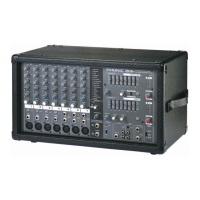
PM 801
CONTROLS AND SETTINGS
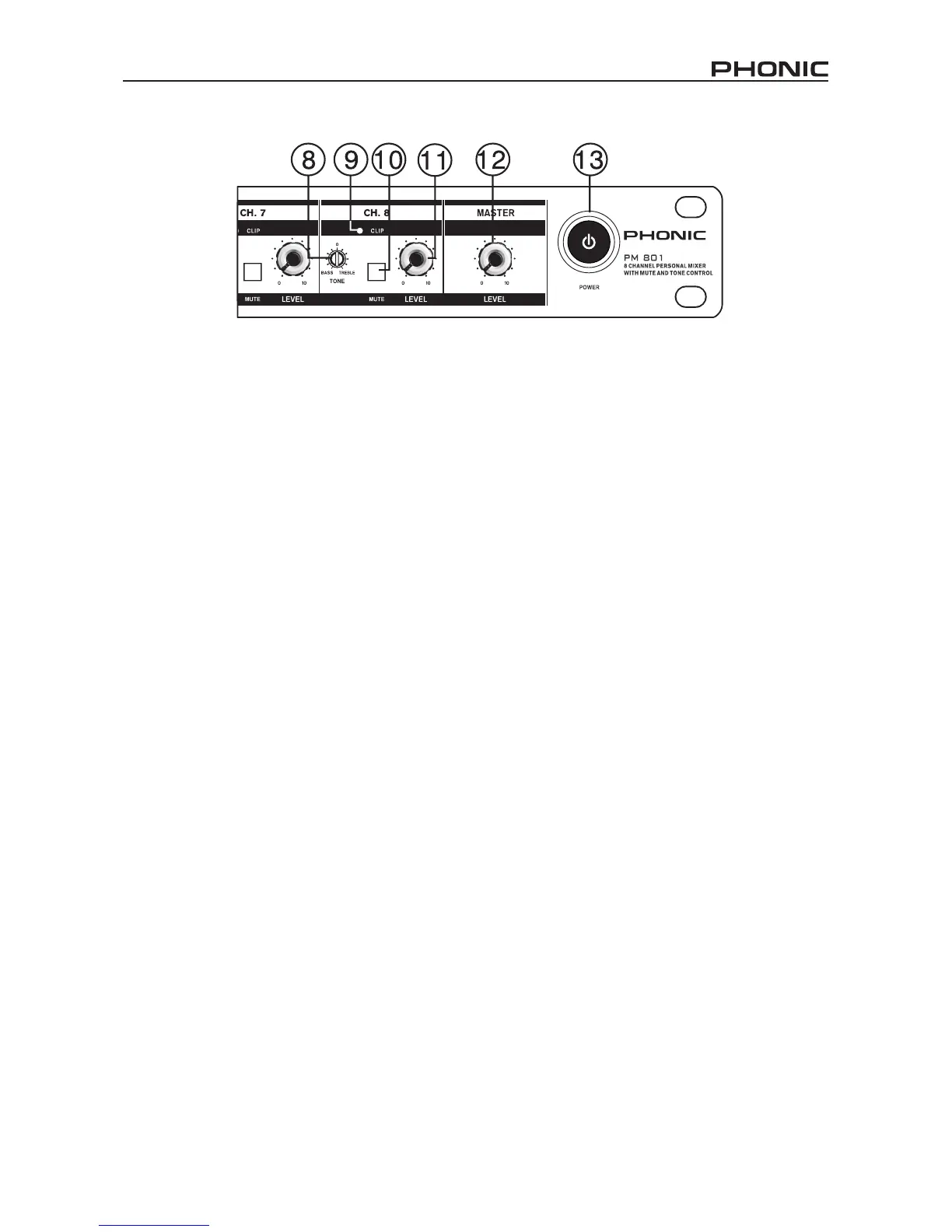
8� Tone Controls
This control allows users to attenuate the high or low
frequency signals of the corresponding channel. By
turning to the left, the low frequency sounds are reduced
somewhat (and are reduced further as the control is
turned further), and turning the control to the right has
the same effect on high frequency sounds.
9� Clip Indicators
This small LED indicator will illuminate 6 dB before the
signal of the channel is dynamically clipped. If it ashes
it is advisable to turn the level control down somewhat to
reduce the signal’s level and avoid distortion.
10� Mute Buttons
These buttons affectively mute the corresponding
channels, ensuring signals received by the channels are
not sent onto the main mixing bus.
11� Channel Level Controls
This control will alter the signal level that is sent from the
corresponding channel to the main mixing bus.
12� Master Level Control
This control is the nal level control for the Main signal,
sent to the Main output on the rear of the PM 801.
13� Power Switch
This switch is used to turn the mixer on and off. Ensure
you turn all level controls down before activating as to
avoid any unwanted signals being sent through the
output.



 To Next Page