IM_208.CCF.20170508-EN
19
Setup and operating
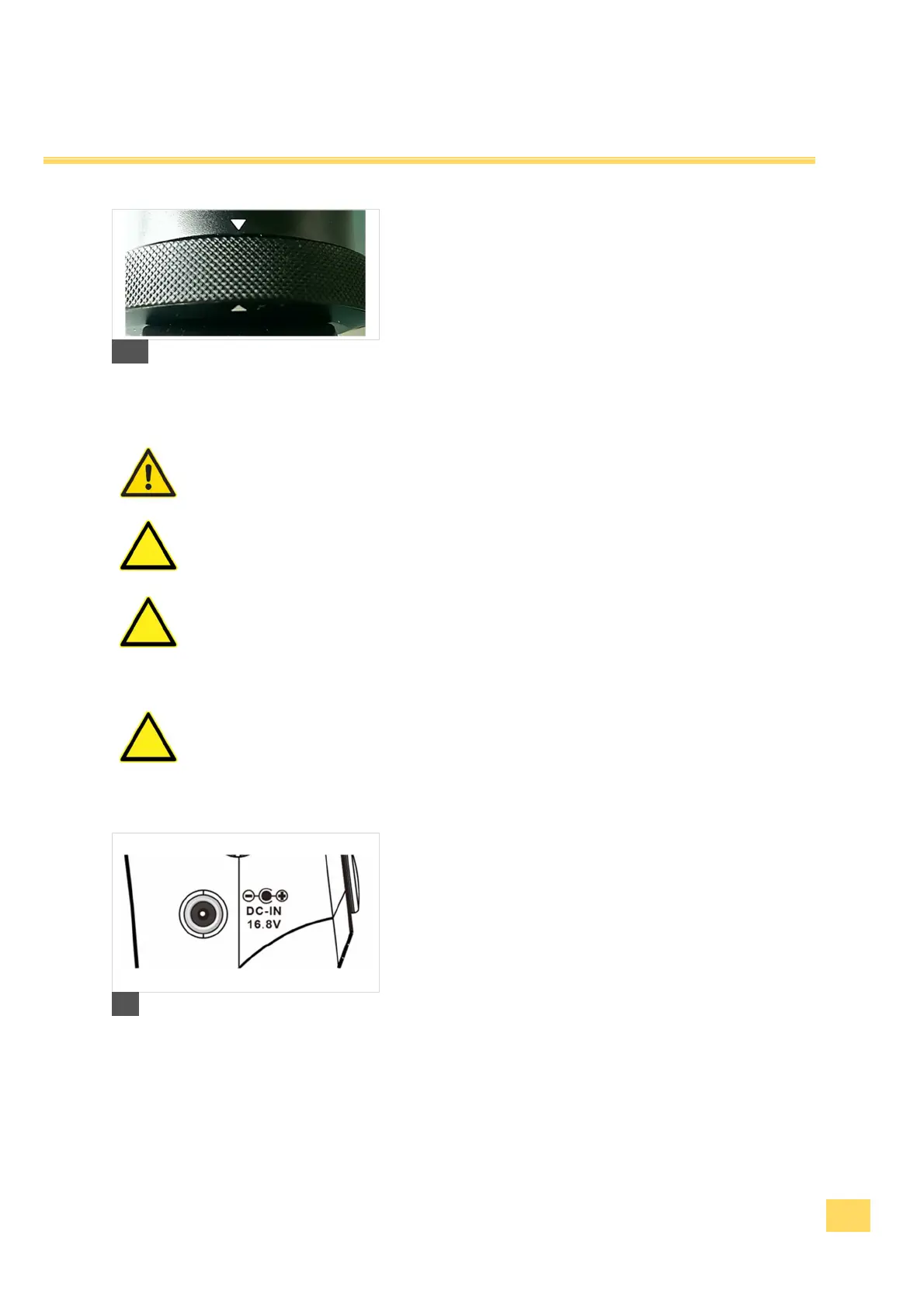
3. Check at the assembly that the grip fits with the markings
(arrows) and is screwed together tightly.
3
Never grasp the power adapter with wet hands.
Use only the delivered power adapter for charging.
Before plugging the power adapter in to the power
socket, make sure that the electrical data indicated on the rating label
agree with the specification of your power socket. Follow the safety
instructions 1.6 Power supply and operating conditions.
Always unplug the power adapter only directly. Never
pull at the cable, it could be damaged.
4. Put the power adapter into the fitting power socket.
Connect the connecting plug with the charge jack.
5. The LED of the power adaptor shines red.
6. The LED of the power adaptor shines green when the
charging process is completed. After the completed
charging process pull the power adapter out of the power
socket again.
4


 To Next Page