IM_208.CCF.20170508-EN
54
Using the Android App
A new version of the Android App is available soon. You can
still use the Android application by downgrading the firmware of your
Gimbal to version 2.56b9.
Implicitly make a backup of the entire Gimbal settings and save your
profiles on a computer before you change the firmware of your Gimbal.
Existing data will be deleted 5. Using the Software PC/MAC
5.3
Saving and loading profiles onto the computer and chapter
5.5 Making
a backup with the backup manager.
Before you change any settings, please read the
instruction manual completely and get familiar with all use and safety
instructions. Follow the notes and tips so that you can use the device
optimally.
Do not change any setting if you are not aware of it.
Although
you are able to „RESET“ your Gimbal.
not use the „RESET“ Function otherwise you will delete your
default profiles which has been individually set by Pilotfly.
Please make a backup of each profile and save it to your computer
before you change any settings. 5. Using the Software PC/MAC
Pilotfly is license holder and partner of Basecam electronics
and is using their products and software, but is not responsible for any
software bug or malfunction of the provided software itself.
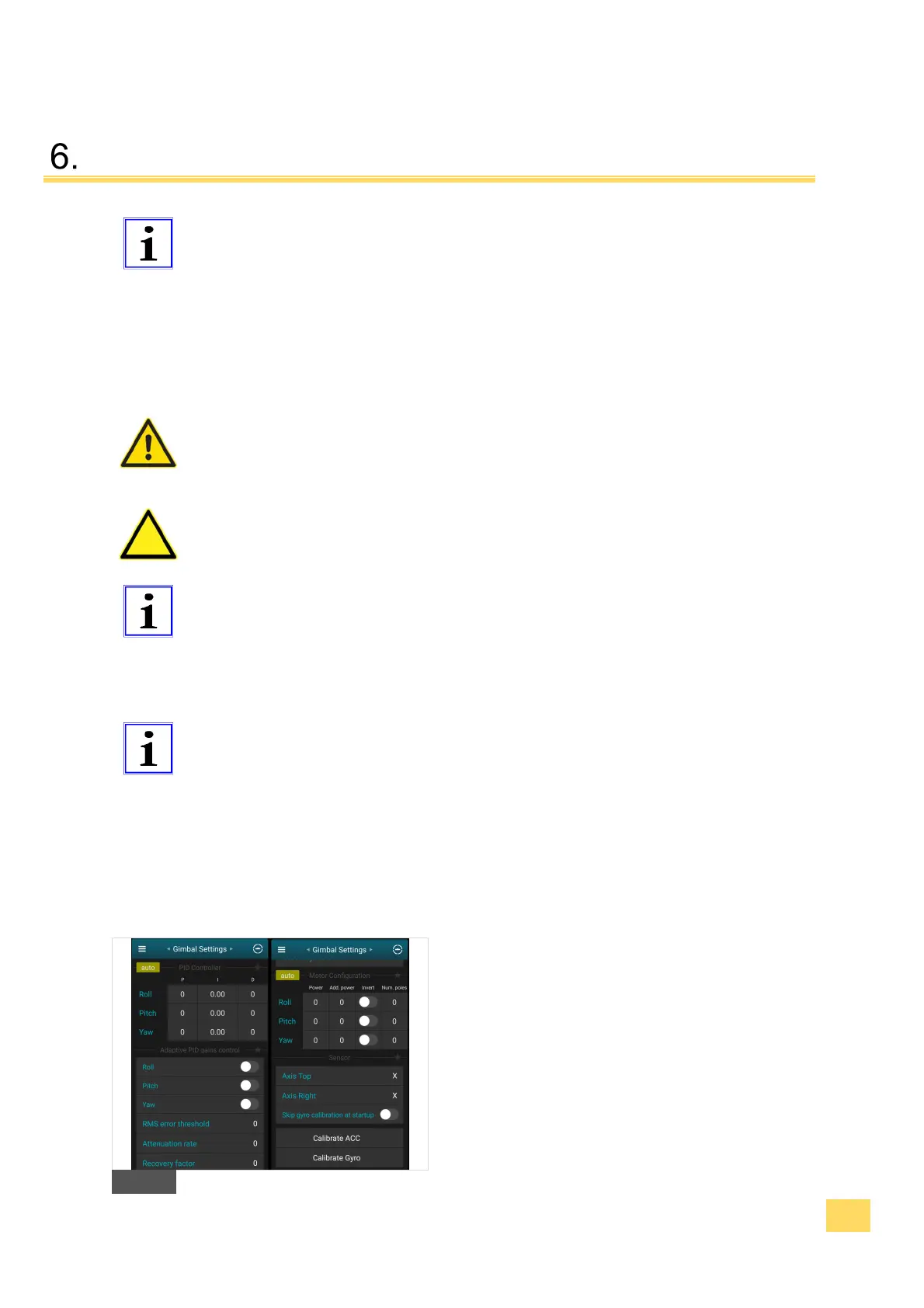
6.1 Gimbal settings
1. Set your PID values and Motor power values
2.5 Fine adjustment with help of the Software
SimpleBGC
F


 To Next Page