IM_208.CCF.20170508-EN
50
Using the Software PC/MAC – Buzzer
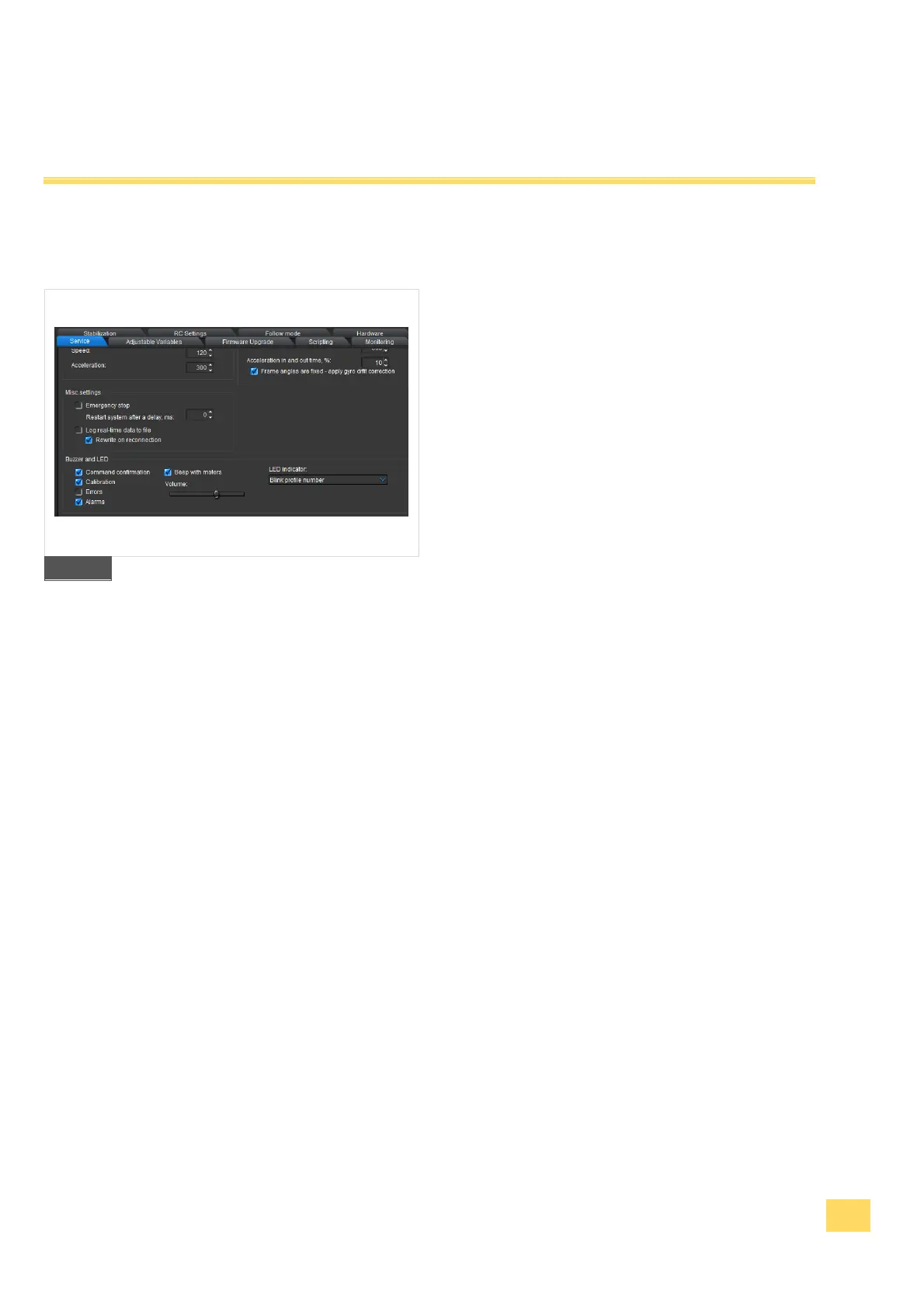
5.12 BUZZER and LED settings – ADVANCED
1. Select the register "Service" and go to the
functional block „Buzzer and LED“.
2. Here you can set, when the Buzzer should
give an acoustic signal and if the Buzzer
shall be deactivated completely. Therefore,
deactivate the respective check boxes.
3. Press the button "WRITE" to transfer the
settings onto your Gimbal.
33


 To Next Page