Useful adjustment settings
09
42
En
Resetting the password function
1 Press HOME MENU.
2 Select “Setup“ (/ then ENTER).
3 Select “Password“ (/ then ENTER).
The password entry screen appears. Enter your four-digit password
using buttons 0 to 9.
4 Select “Reset“ (/ then ENTER).
5 Select “Yes“ (/ then ENTER).
6 Press HOME MENU to exit the menu.
Note
• The above procedure will reset the password to the factory
default (1 2 3 4).
We suggest you write down your password so you don’t forget it.
If you forget the password
When the message “Please Input Your Password” is displayed,
press the ENTER button on the remote control unit and hold it
down for three seconds or longer.
The password reverts to “1234”.
PDP-LX608G / PDP-LX508G
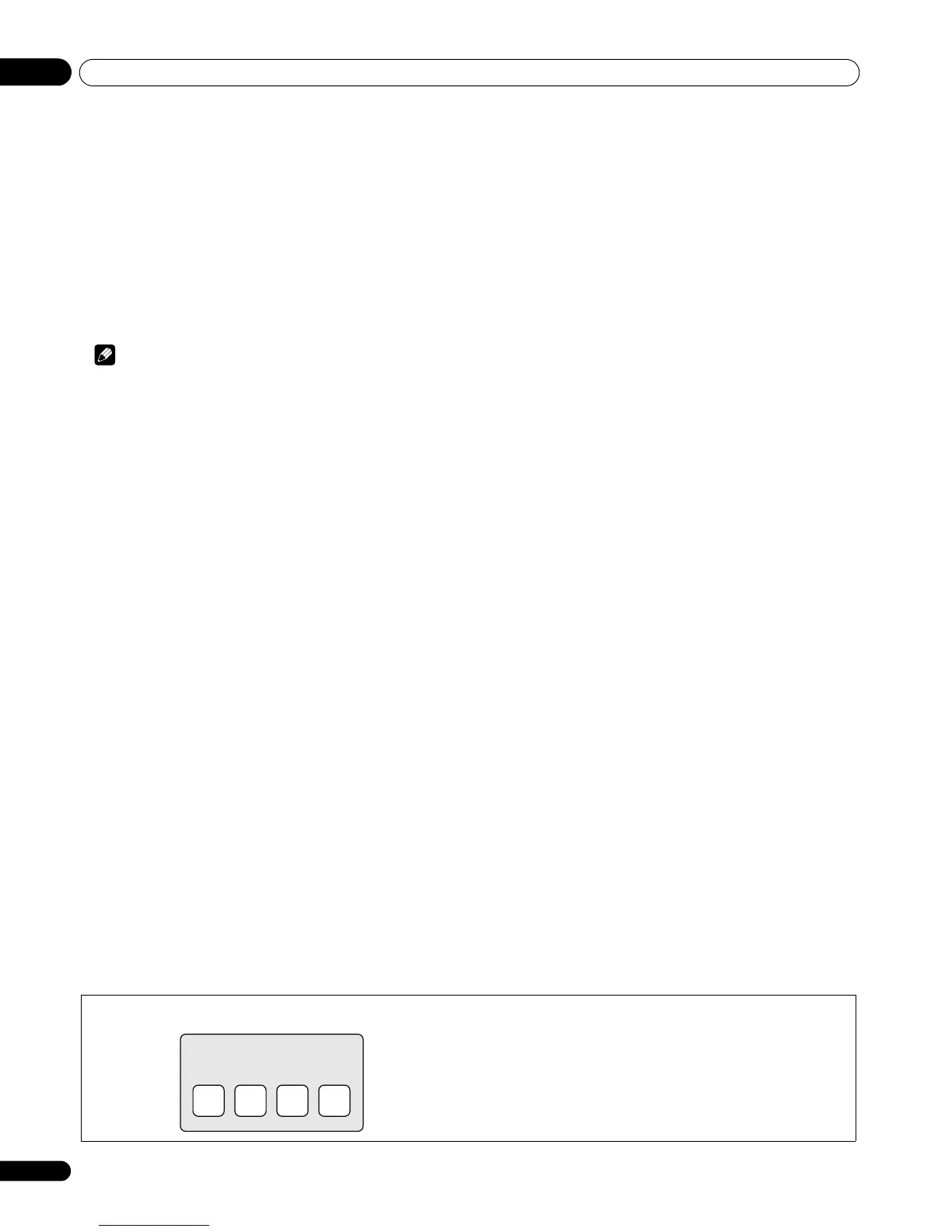
Your password No.:


 To Next Page
 Loading...